. . . . . . . . . . . . . . . . . . . . . . . . . . . . . . . . . . . . .
ArmadaStation Removal and Replacement Procedures
5-39
5.12 Control Panel Cable
The control panel cable connects the control panel to the backplane connector and is
spared as a unit.
To remove the control panel cable, follow these steps:
1. Prepare the ArmadaStation for disassembly (Section 5.3).
2. Remove the alignment tray assembly (Section 5.4).
3. Remove the rear panel assembly (Section 5.5).
4. Remove the upper case assembly (Section 5.6).
5. Remove the top brace (Section 5.10).
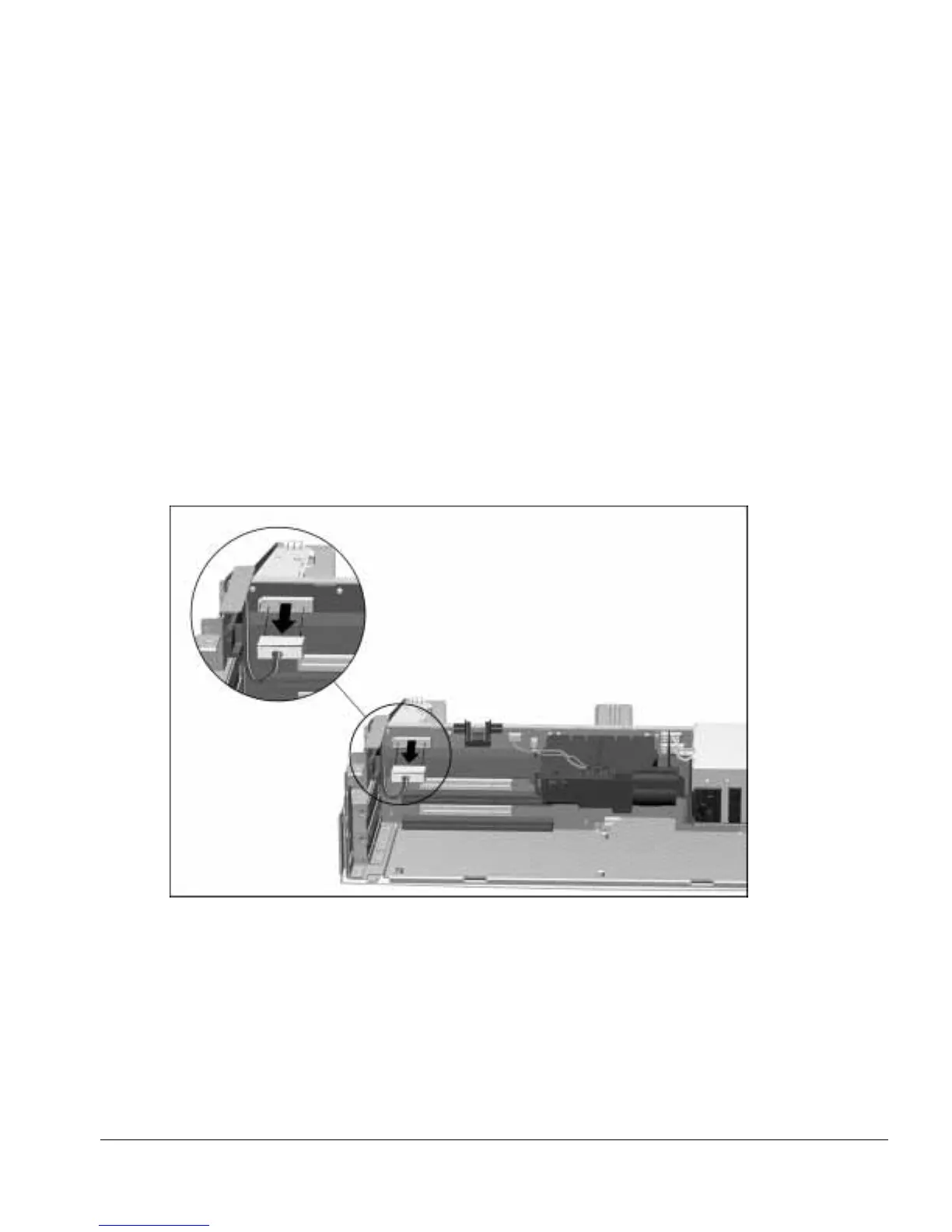
6. Disconnect the control panel cable from the backplane assembly (Figure 5-38).
Figure 5-38.
Disconnecting the Control Panel Cable



 To Next Page