. . . . . . . . . . . . . . . . . . . . . . . . . . . . . . . . . . . . .
Armada MiniStation Removal and Replacement Procedures
6-11
6.7 Power Supply
The screws securing the module assembly to the base assembly also secure the power
supply. Once these screws have been removed (Section 6.7), the power supply can also
be removed.
To remove the power supply, follow these steps:
1. Prepare the Armada MiniStation for disassembly (Section 6.3).
2. Remove the enclosure cover (Section 6.5).
3. Remove the module assembly (Section 6.6).
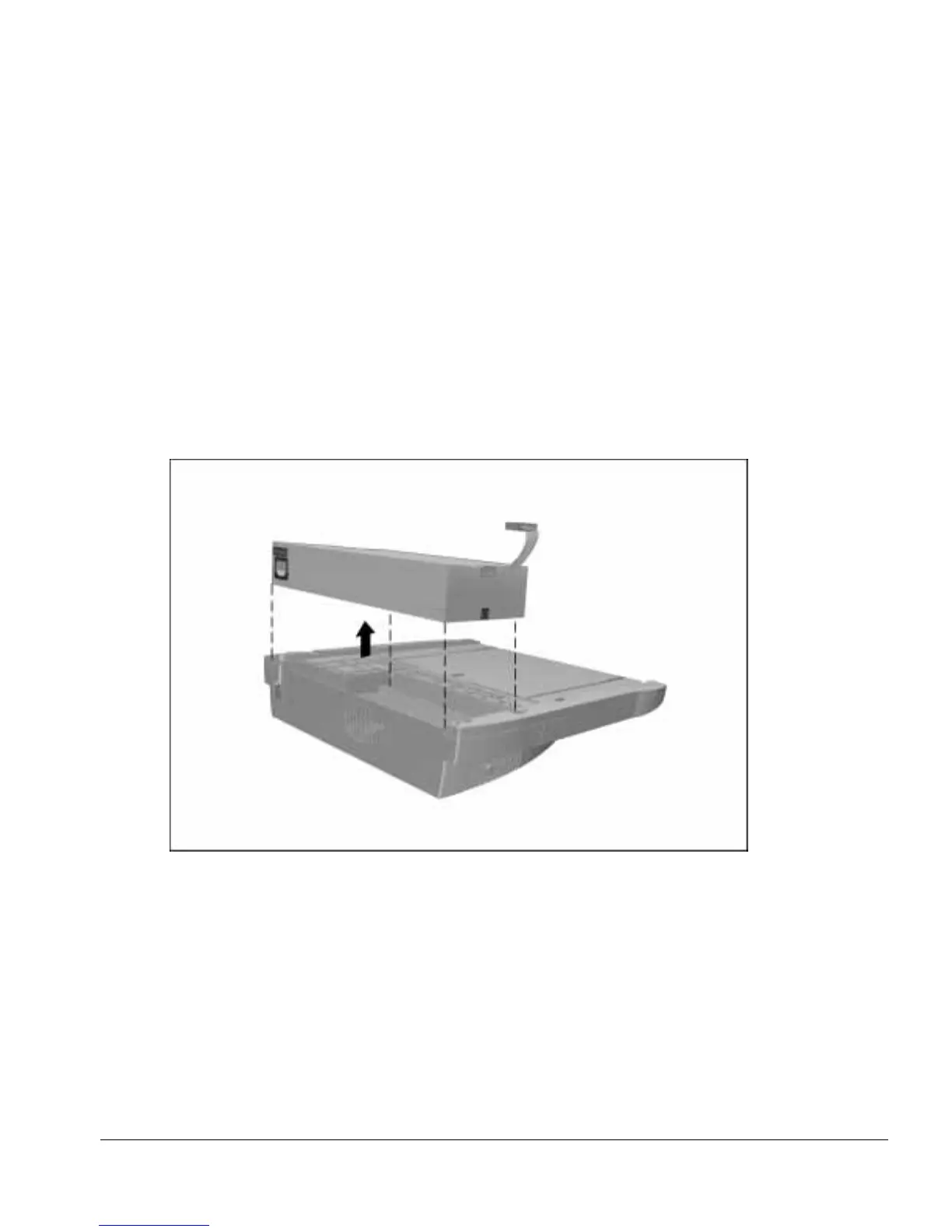
4. Lift the power supply out of the base assembly (Figure 6-11).
Figure 6-11.
Removing the Power Supply
Reverse the removal procedure described above to install the power supply.



 To Next Page