. . . . . . . . . . . . . . . . . . . . . . . . . . . . . . . . . . . . .
5-12
ArmadaStation Removal and Replacement Procedures
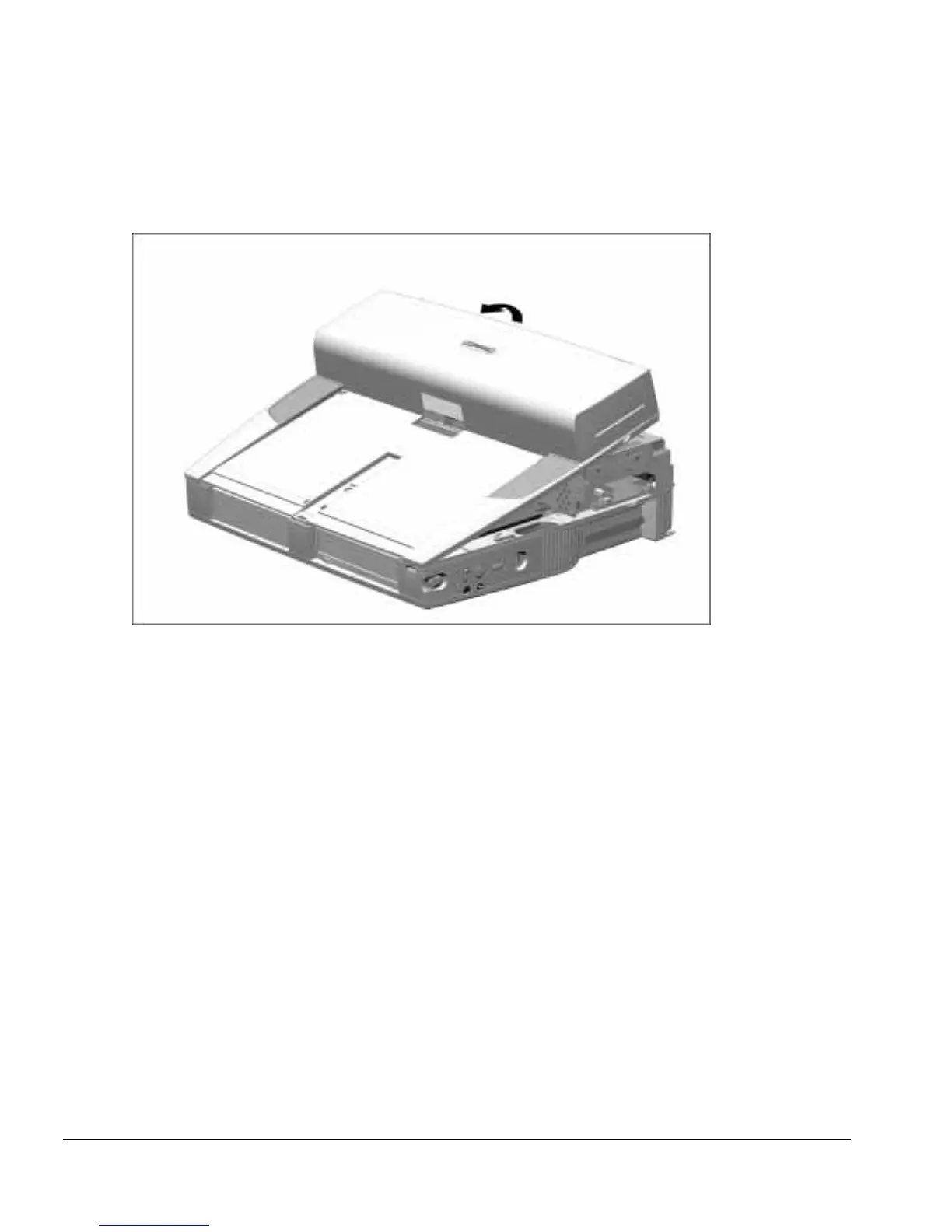
6. Grasp the back of the upper case assembly, lift up on the back of the assembly, and
swing it forward (Figure 5-12).
Figure 5-12.
Removing the Upper Case Assembly
7. Set aside the upper case assembly.



 To Next Page