. . . . . . . . . . . . . . . . . . . . . . . . . . . . . . . . . . . . .
ArmadaStation Removal and Replacement Procedures
5-13
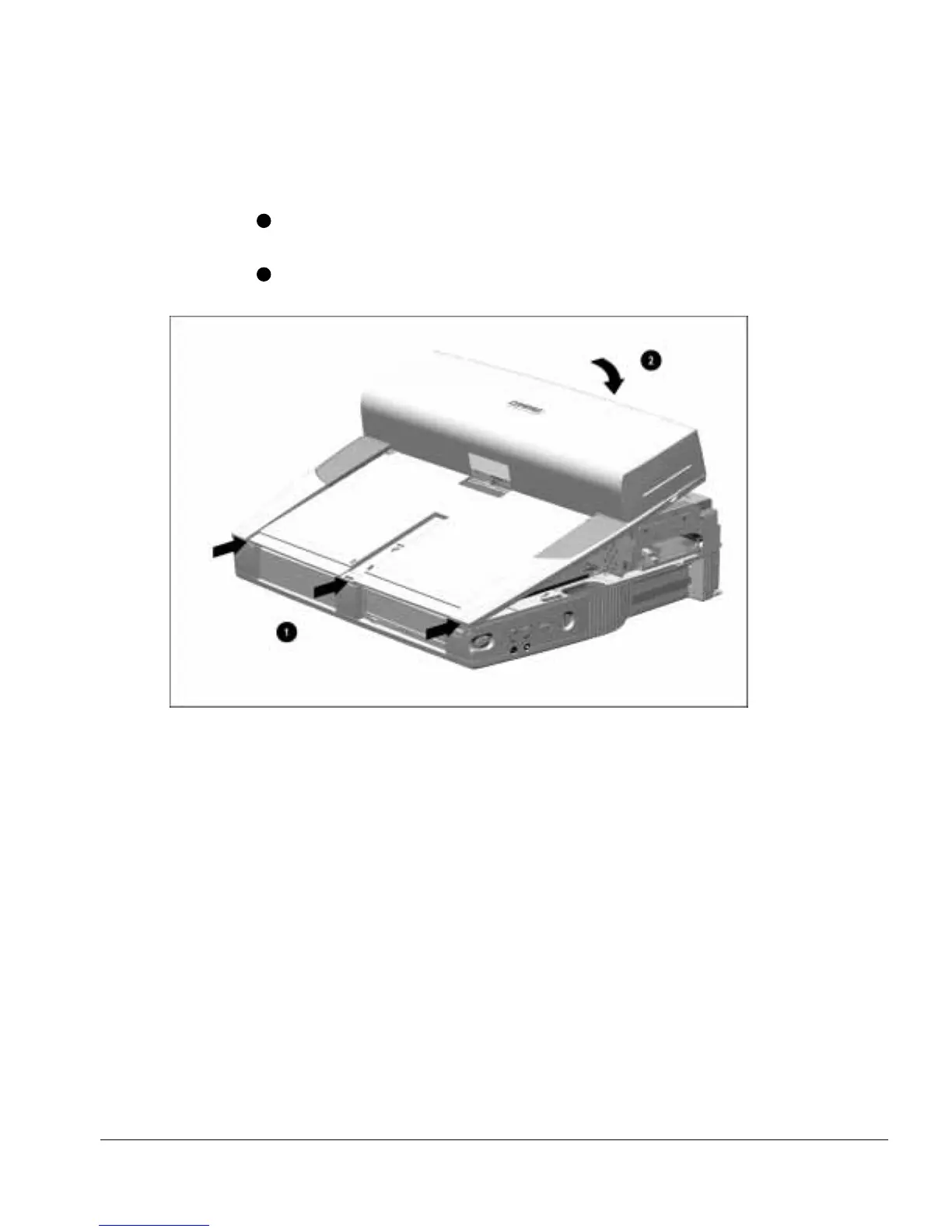
To install the upper case assembly, follow these steps.
1. Align the front edge of the upper case assembly with the front edge of the base
assembly
1
(Figure 5-13).
2. Swing the back of the upper case assembly back and down until it rests on the base
assembly
2
.
Figure 5-13.
Installing the Upper Case Assembly
3. Replace the three upper case screws.
NOTE: When installing the upper case assembly, make sure the ribs on the center of
the base assembly are engaged in the slot in the front of the upper case assembly.



 To Next Page