. . . . . . . . . . . . . . . . . . . . . . . . . . . . . . . . . . . . .
ArmadaStation Removal and Replacement Procedures
5-7
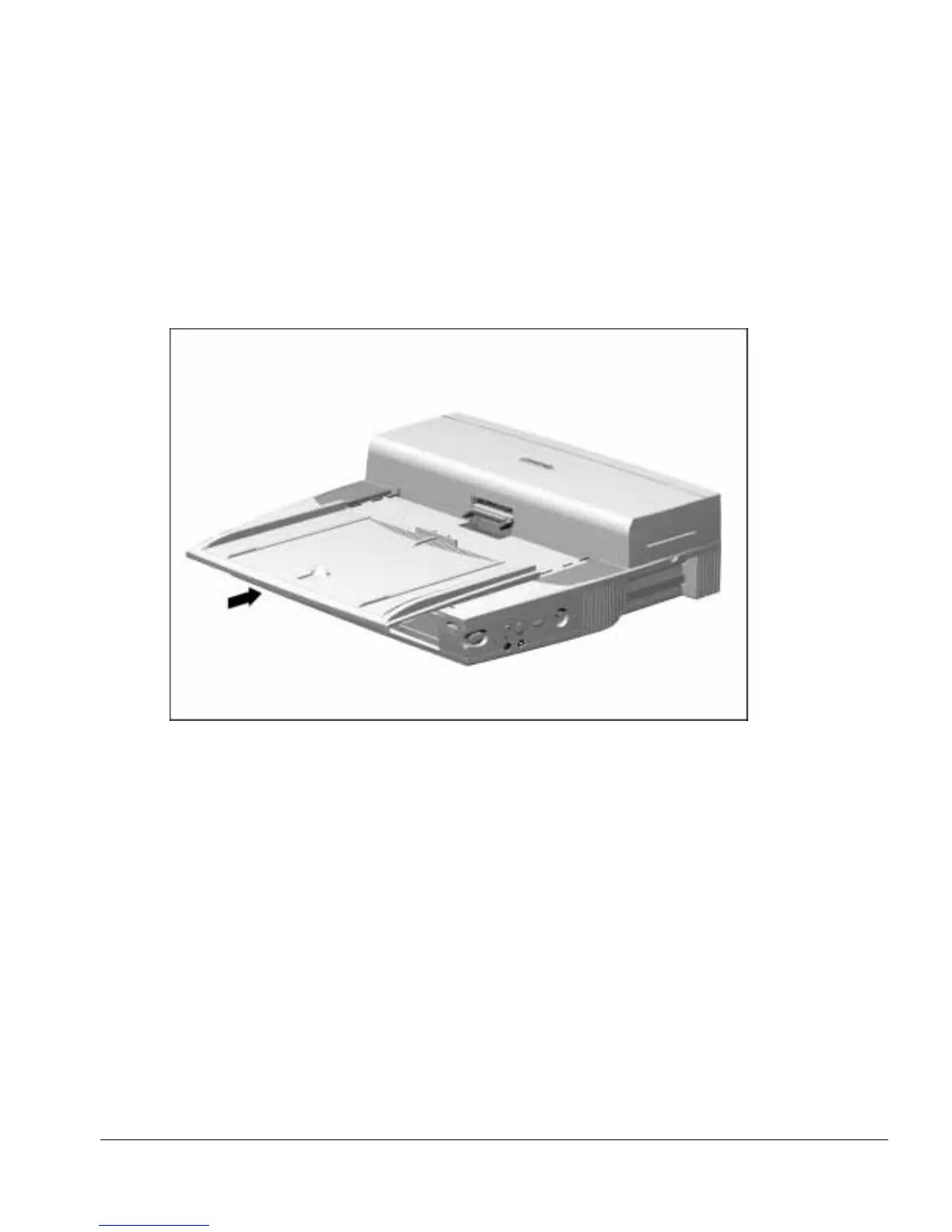
To install the alignment tray assembly, follow these steps:
1. Place the alignment tray assembly on the upper case assembly.
2. Align the tabs in the back of the alignment tray assembly with the slots in the upper
case assembly (Figure 5-7).
3. Push the alignment tray assembly into place on the upper case assembly.
Figure 5-7.
Installing the Alignment Tray Assembly



 To Next Page