6-38 l Troubleshooting
Replacing the Desiccant Wheel
Assembly (D600 - 1000)
When desiccant becomes clogged or contaminated, you should replace the desiccant wheel
to ensure optimum performance.
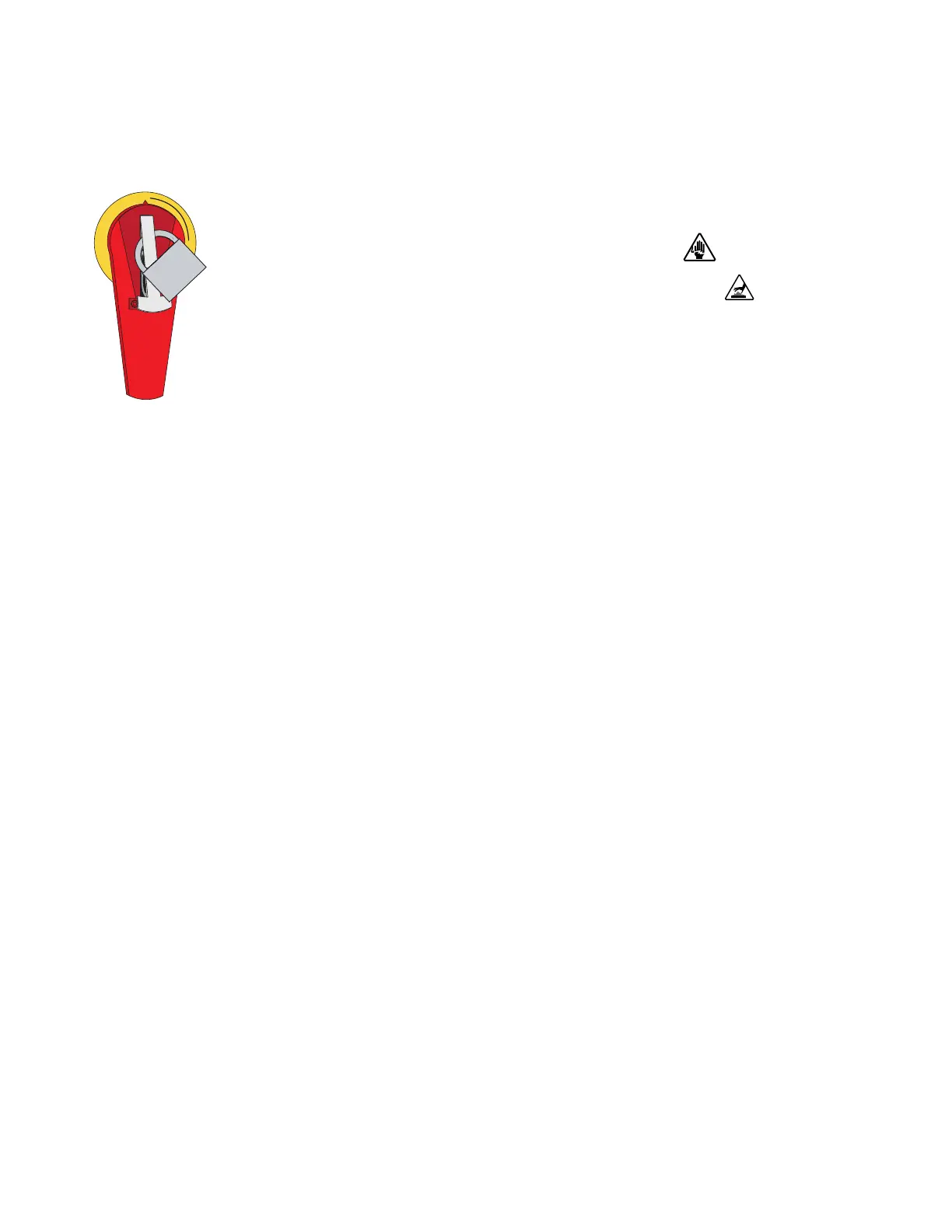
1 Stop the dryer, disconnect and lockout the main power.
2 Remove the upper and lower side panels from both sides of the
dryer.
3 Remove the top cover from the dryer by removing the securing bolts.
4 Note the position of all the hoses, RTDs, and wiring connections then remove or
disconnect these from the desiccant wheel assembly.
5 If the dryer aftercooler is being used, turn off the water supply to the aftercooler
and disconnect the water lines from the aftercooler.
6 Remove the four bolts securing the aftercooler assembly to the cabinet frame.
7 Using an overhead crane or similar appropriate lifting device, use the lifting
points provided and carefully lift the aftercooler off of the frame and remove it
from the dryer.
8 Remove the four bolts securing the desiccant wheel assembly to the dryer frame.
9 Note the orientation of the desiccant wheel assembly. Using an overhead crane or
similar device, use the lifting rings provided and lift the desiccant wheel assem-
bly out of the dryer.
(continued)
NOTE: If your dryer is configured with a hard pipe kit, disconnect the hard piping from the top of
the dryer at this time.
0


 To Next Page