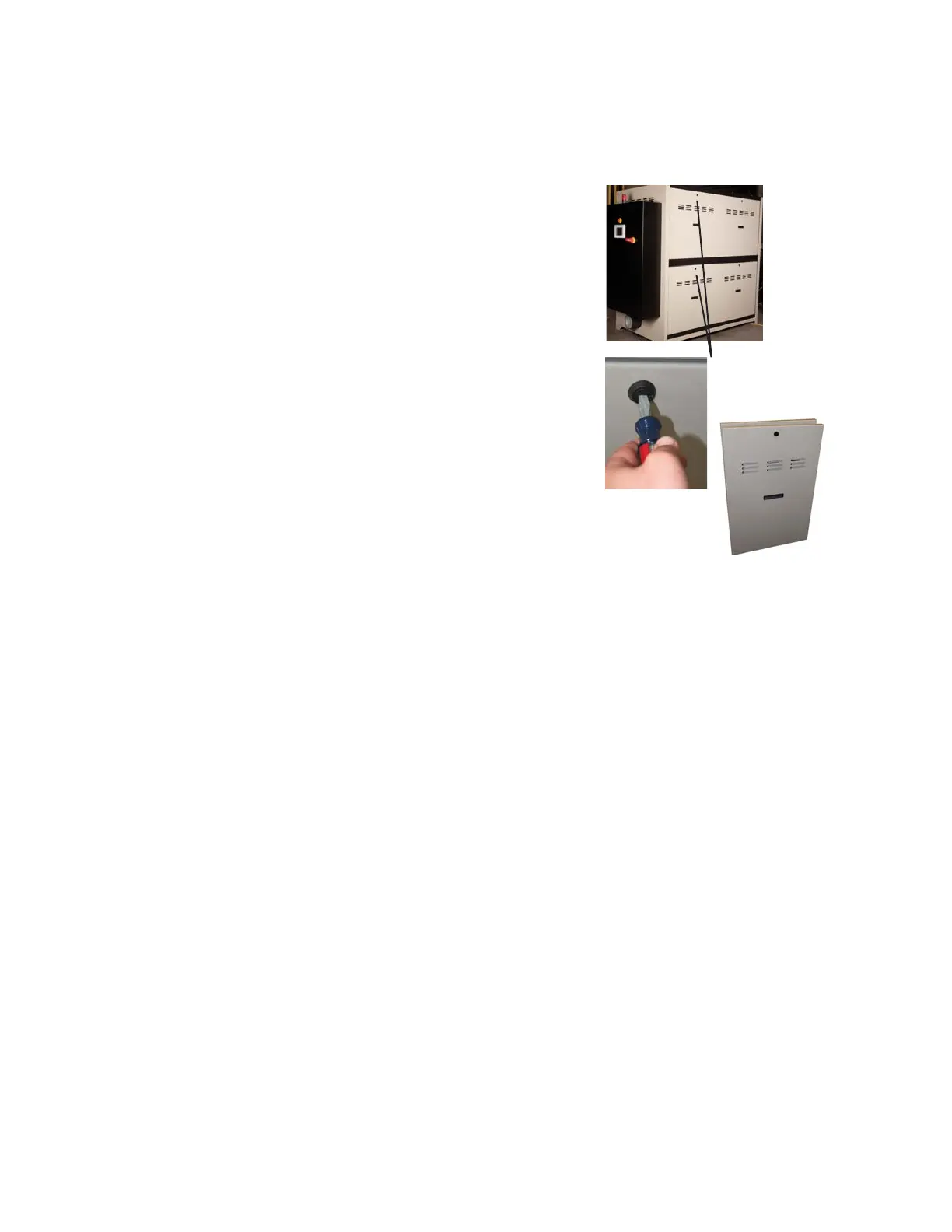
Opening the Dryer Doors
(D1300 - 5000)
Carousel Plus D Series 600-5000 Dryers de-
signed after December 2012 will have lock-
ing removable side panels.
To unlock and remove the side panels:
1 Rotate the locking panel bolt on each
dryer panel counterclockwise with a
regular screw driver.
2 Using the handle, lift the panel out and
up to remove from the side of the
dryer. Repeat for each panel as neces-
sary.
Dryer Panel
Locking Bolts
(W1300-5000)
3-8 l Installation
0
NOTE: The panel surround-
ing the delivery air filter is
bolted on. Remove bolts to
remove this panel.


 To Next Page