4-52 l Operation
DC-C System Security Levels
There are seven (7) customer security levels within the DC-C control. The DC-C is shipped
with the password security level set at guest.
To log in at a different user level:
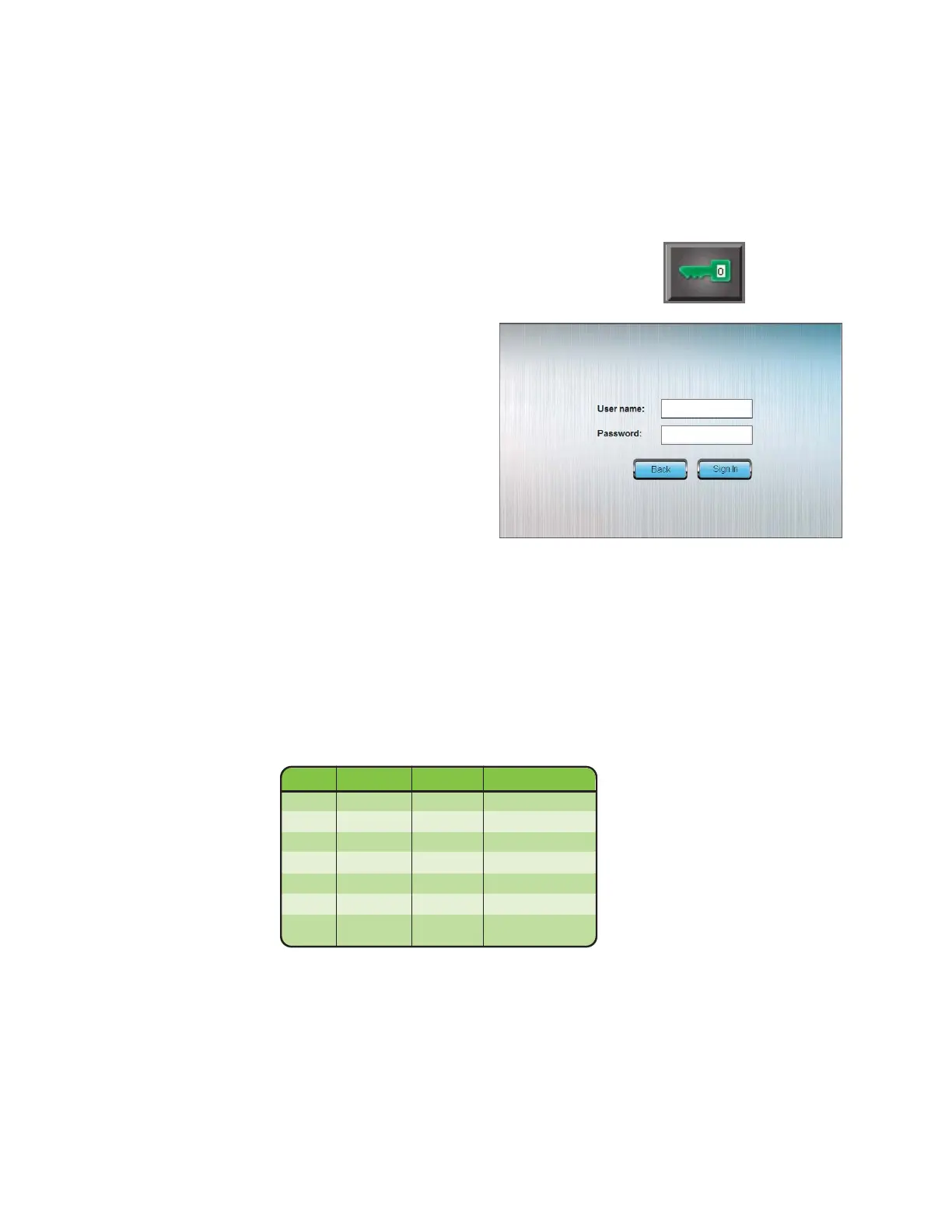
1 Press the Security/Login button from the Home screen. A
Log-in screen pop up window will appear.
2 Enter your username and
password. Finish by pressing
the Sign In button.
The green key at the bottom of the home page will have a number in it, representing your
current security level. Pressing the Login button again will log the user out of the system.
Also, inactivity for 10 minutes will log you out of the control. The control will return to se-
curity level guest.
Basic user level information:
NOTE: Proper login may be re-
quired to view certain screens
or make changes to various
settlings. Conair recommends
that the administrator logs in
first and changes the admin
password.
0
User Real name Password Change password
oper1 Oper1 oper1 No
oper2 Oper2 oper2 Yes
oper3 Oper3 oper3 Yes
maint1 Maint1 maint1 Yes
maint2 Maint2 maint2 Yes0
maint3 Maint3 maint3 Yes
admin Admin admin Yes


 To Next Page