Maintenance 32
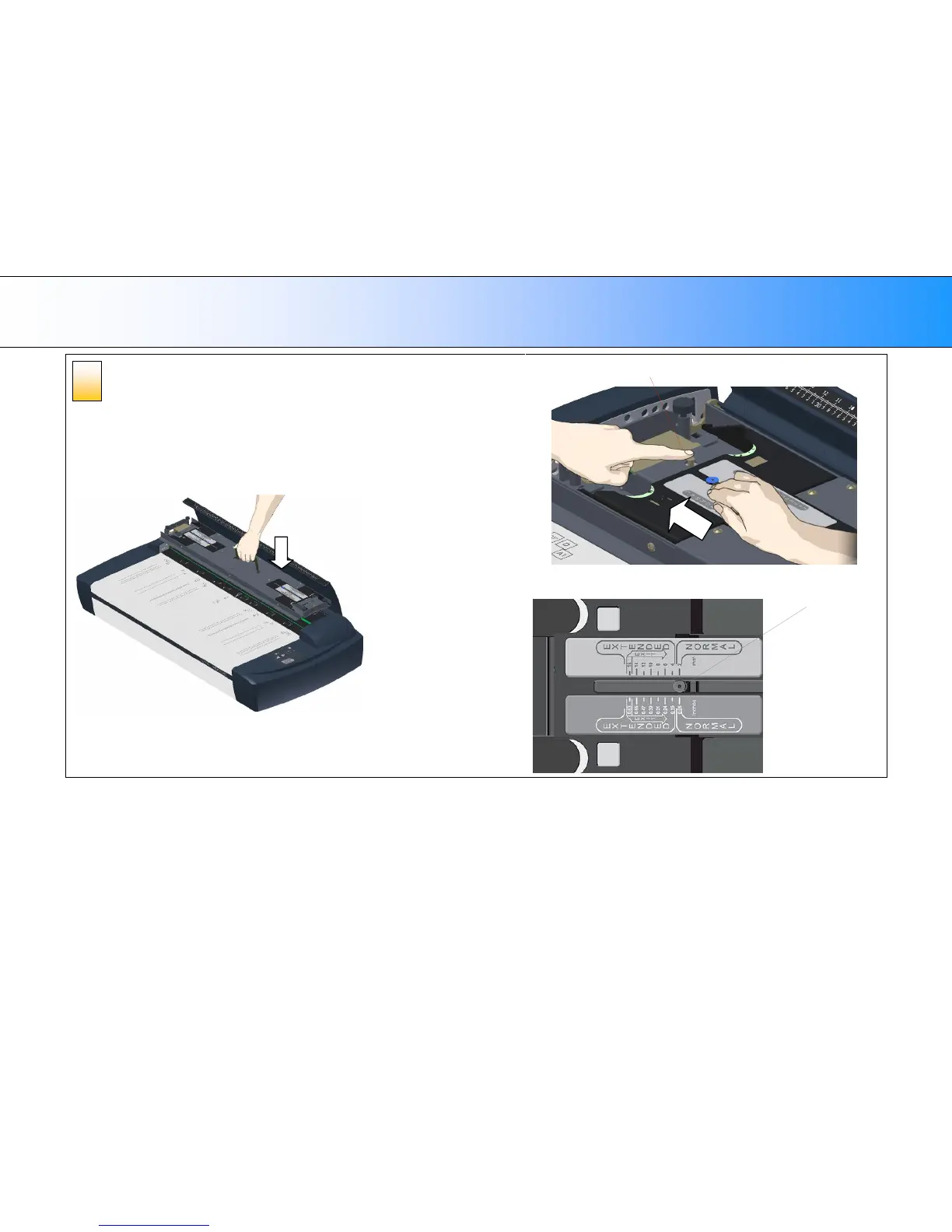
Reinsert the pressure platen and close the lid
1. Lift the Pressure platen by its handle and reinsert it into the scanner.
2. On each end, you will need to press down the metal button with one hand, and with
the other hand, push the slider back from the Exit position to its Normal position.
3. Push the sliders away from the scanner middle until they reach the edge (Normal
position).
1. Reinsert the pressure platen
2. and 3.













 To Next Page