Maintenance 31
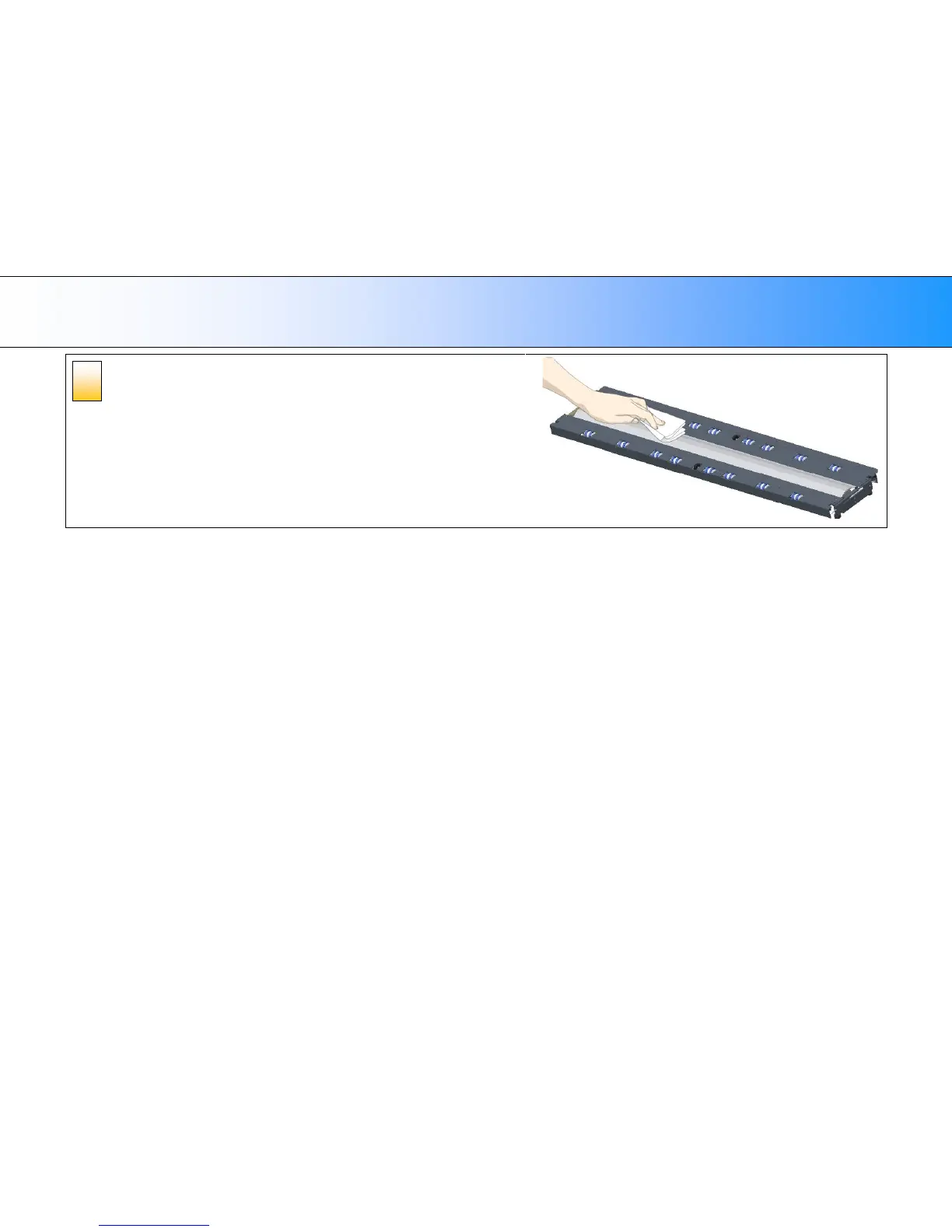
Clean the white-background platen and rollers
The white-background-platen is on the backside of the pressure-platen you removed in
step 4.
1. Flip the pressure-platen over to clean the white background.
2. Wipe the white area and the transport rollers with a lint-free cloth and a mild, streak-
free, glass cleaner. Apply the cleaner to the cloth and first wipe the platen’s white
area and then the transport roller’s surface.
3. Dry the pressure-platen and rollers completely using separate clean, dry lint-free
cloths.













 To Next Page