Maintenance 38
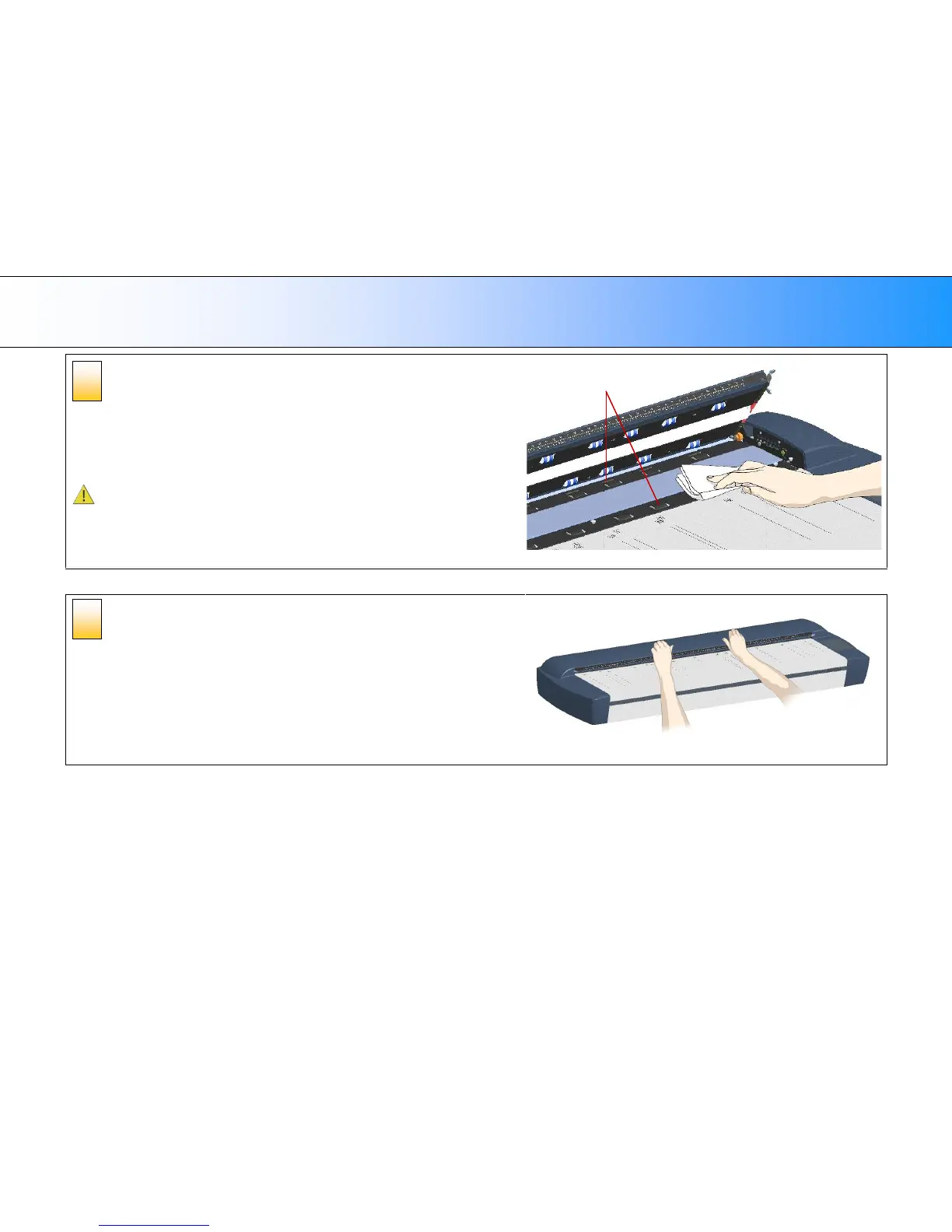
Clean the lower rollers
The lower rollers are the black rubber rollers aligned in 2 rows on each side of the
glass-platen.
1. Use a lint-free cloth and a mild, streak-free, glass cleaner. Apply the cleaner to
cloth and wipe the lower rollers in both rows.
2. Dry the lower rollers completely using a separate clean, dry lint-free cloth.
Caution: Do not spray liquids directly onto the scan area.
Lower Rollers
Close the scanning area lid.
1. Pull down and close the scanning area lid when finished.
2. Press gently down on the cover top to make sure the locks reengage (click).
5













 To Next Page