Trouble Shooting 58
I purchased a smart card upgrade kit. How
do I use it to upgrade the scanner?
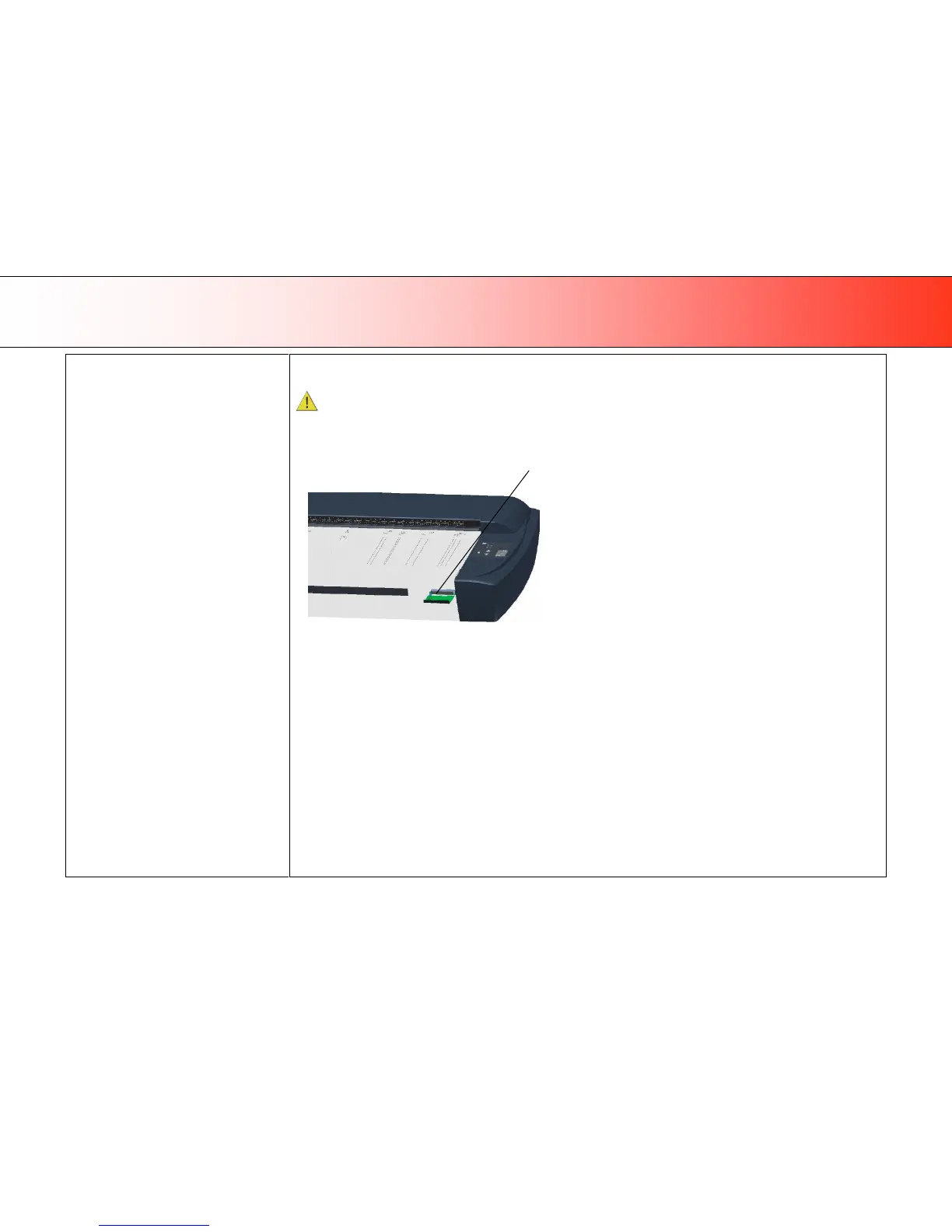
You need to insert your new smart card into the scanner to upgrade its functionality.
Be sure that the scanner is turned off when removing and inserting a Smart Card or accessing the Smart Card area.
Accessing the smart card on scanner models: HD2530:
In the small drawer labeled “PUSH” behind the scanner front streamer (slide the streamer towards the left to access the drawer).













 To Next Page