Genus G1 MARK II Users Manual
UM3010-2
TELNET PIN
Sets up a password for the Telnet configuration. This screen will not appear if the
Telnet interface is disabled. Note: This PIN differs from the Offline mode PIN.
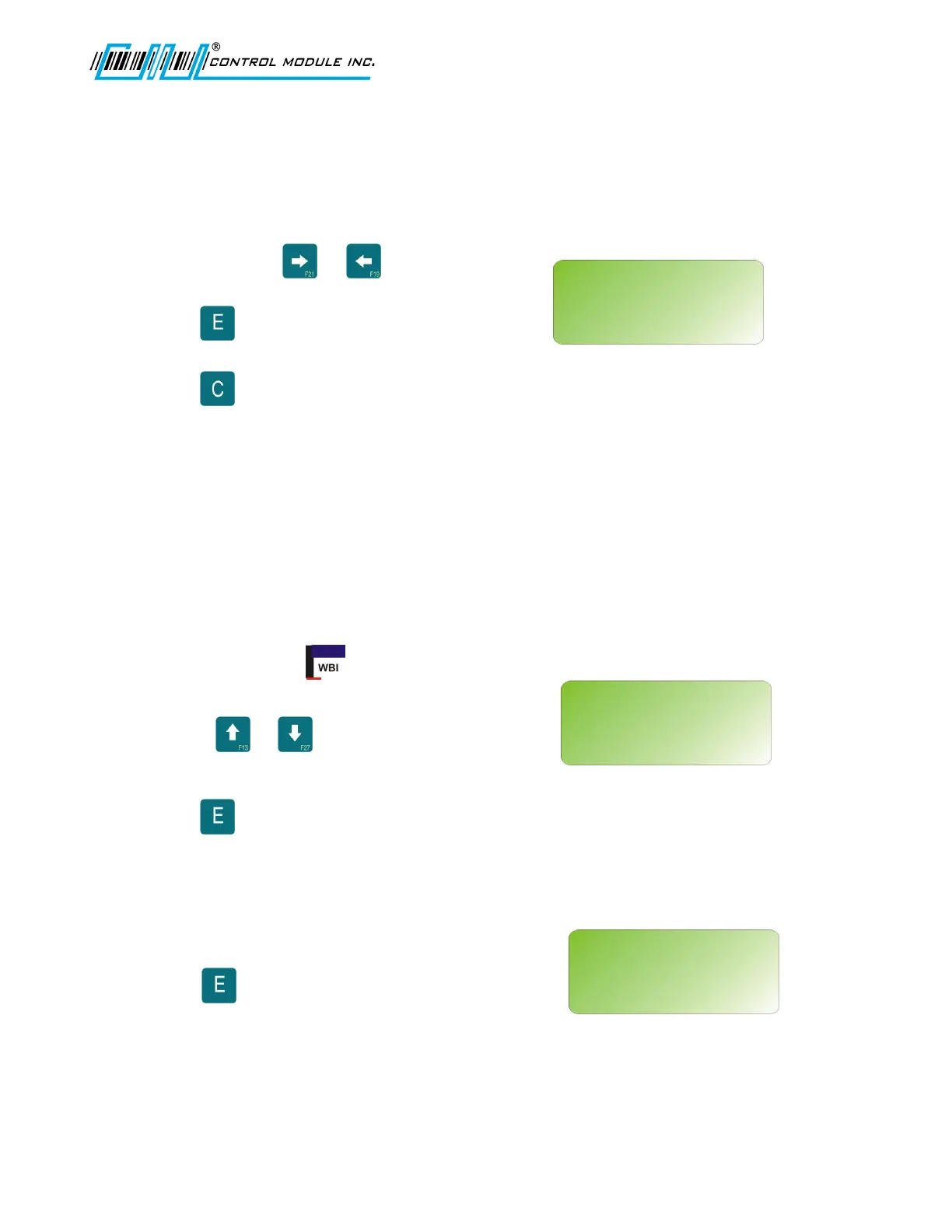
Use 0-9 and the or keys to
advance and return.
Press to enter choice and advance to
next network setup option.
Press will clear the pin by backspacing
one character at a time.
Note: The Telnet Password/Pin can only be
20 characters. If longer the Password/Pin will
be truncated.
Note: See the Reference Section in this
document for additional Telnet information.
ENABLE TFTP
Enables TFTP interface to the Terminal.
Use the or keys to set to
Yes or No.
Press to enter choice and advance to
next network setup option.
SAVE CHANGES
Saves all of the network changes made.
Press to save and HOME to abort any
changes.
Revision B 10-30-07 24
NETWORK SETUP
<0-9><E><C><H>
TELNET PIN:
█
NETWORK SETUP
<UP><DWN><E><H>
ENABLE TFTP:
N
NETWORK SETUP
<E><H>
SAVE CHANGES?
‘E’=SAVE ‘H’=ABORT



 To Next Page