Genus G1 MARK II Users Manual
UM3010-2
WIFI NETWORK SETUP
This is explained in the WiFi section of this document.
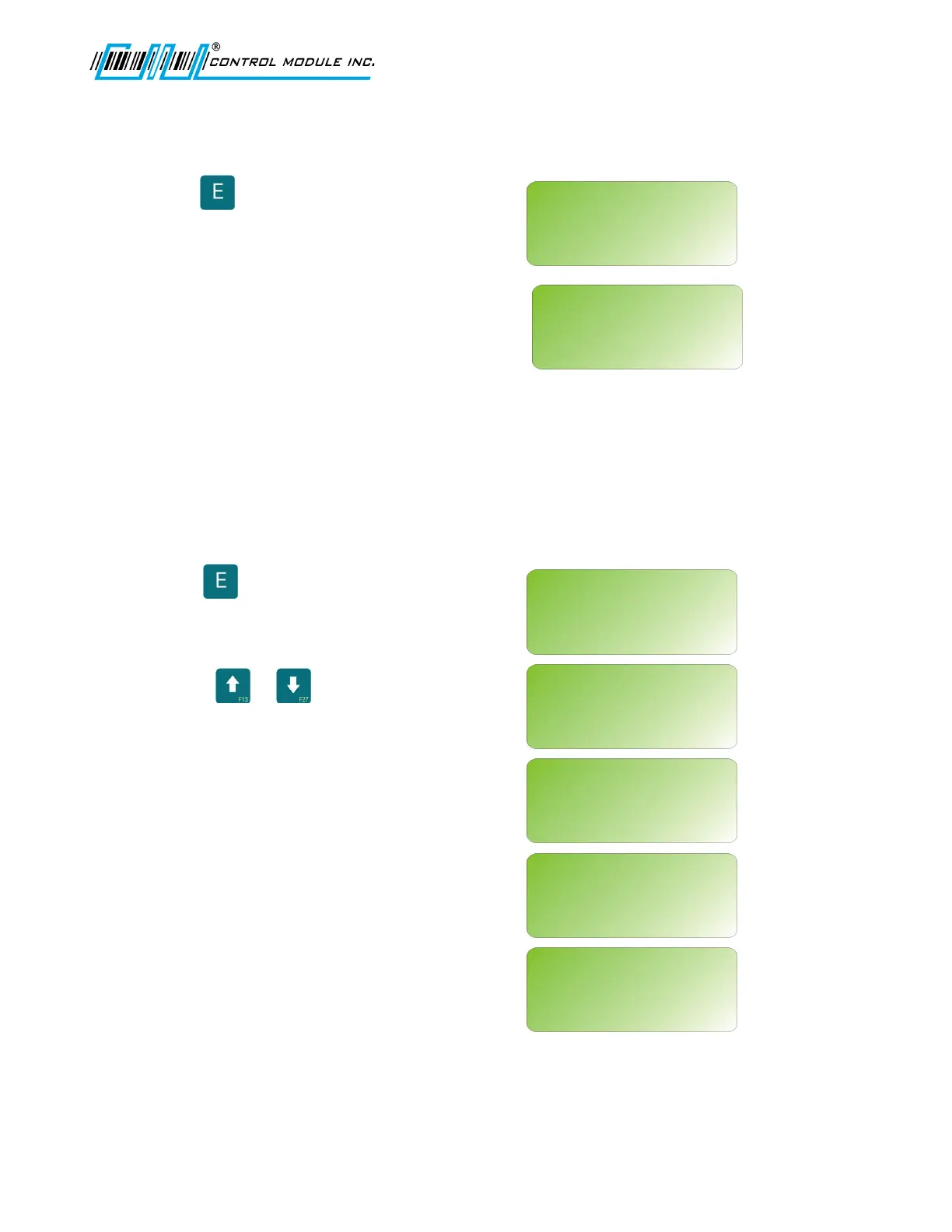
Press to enter the WiFi setup.
Note: If an invalid IP address has been
assigned the following message may occur
for the WiFi Network Setup and the WiFi
Network Info.
WIFI NETWORK INFO
WiFi information provides a resource for firmware and version releases and Link
connectivity status.
Press to enter the WiFi information
Use the or keys to scroll
through WiFi information.
There are seven possible WiFi status
messages as listed below.
Association Incomp.
Connected
Disconnected
AP change
AP out of range
AP in range
Association failed
Revision B 10-30-07 25
WIFI NETWORK SETUP?
<UP><DWN><E>
WIFI NETWORK SETUP?
Make sure Genus has
a valid IP address
WIFI NETWORK INFO?
<UP><DWN><E>
WIFI NETWORK INFO?
<UP><DWN><H>
MODULE FIRMWARE:
X.X.X.X
WIFI NETWORK INFO?
<UP><DWN><H>
RADIO FIRMWARE:
1.1.1.111.8.4.0.145
WIFI NETWORK INFO?
<UP><DWN><H>
VERSION:
PS00XXX
WIFI NETWORK INFO?
<UP><DWN><H>
LINK STATUS:
Connected



 To Next Page