Genus G1 MARK II Users Manual
UM3010-2
COMM TEST
Tests the Serial Aux port, which is used to connect to serial devices such as a modem or a
serial printer. This test requires special test equipment. Contact CMI Technical Support for
additional information.
Press to select.
Note: Modem parameter configuration can be found in the Genus API documentation.
READER SETUP
Sets up the reader connected to the internal reader port, and a barcode wand if connected to
the external wand port.
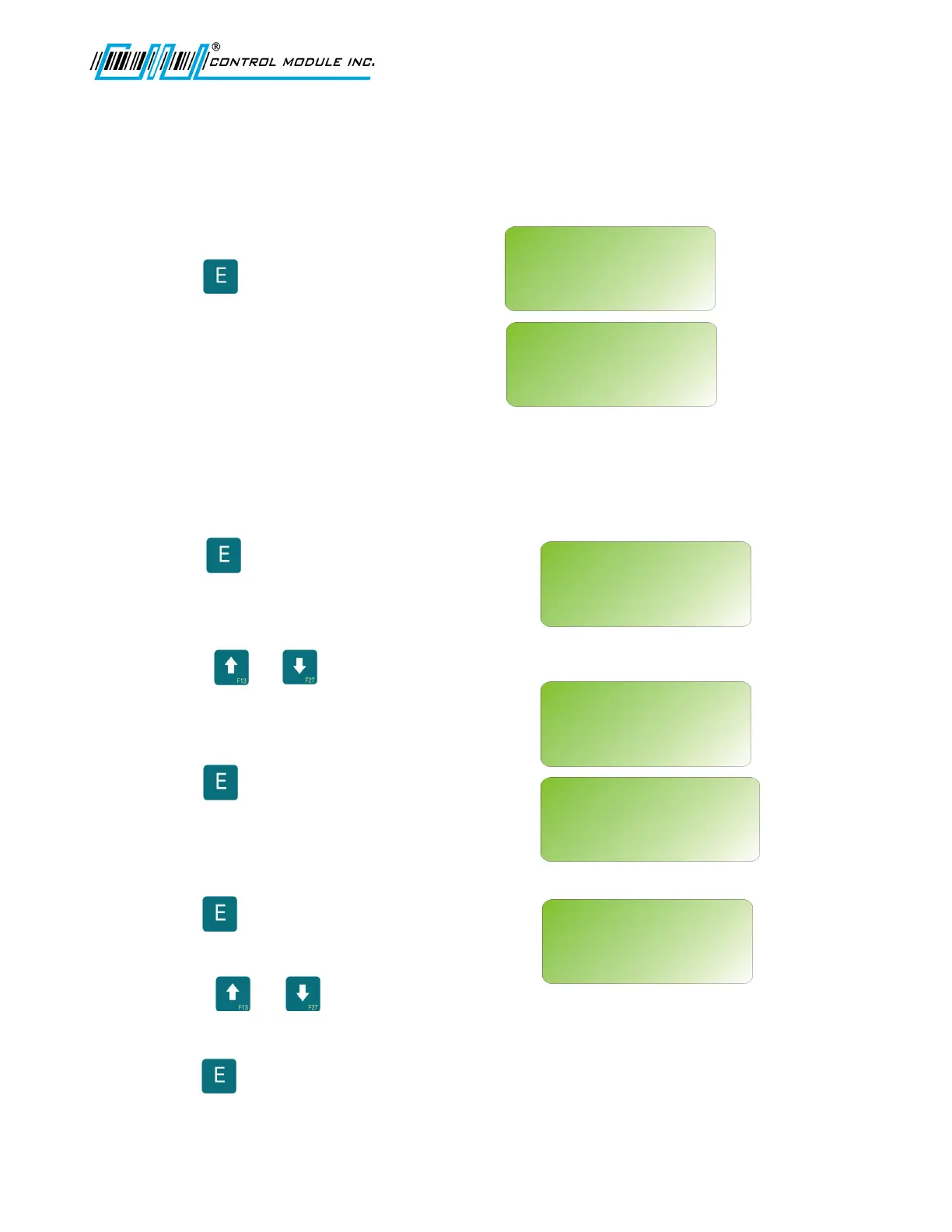
Press to select.
Select Reader Type for Internal and External
readers.
Use the or keys to scroll through
reader types: PROXIMITY, MAGNETIC
TRACK 1, MAGNETIC TRACK 2, BARCODE,
BIOMETRIC, or NONE.
Press to save settings and advance to
the External reader setup.
Note: The External reader configuration
also supports WIEGAND OUT.
Press to save settings and advance to
the Wand reader setup.
Use the or key to scroll for
BARCODE or NONE.
Press to save or HOME to abort any
changes.
Revision B 10-30-07 27
COMM TEST?
<UP><DWN><E>
READER SETUP?
<UP><DWN><E>
READER SETUP?
<UP><DWN><E><H>
SELECT INTERNAL RDR:
PROXIMITY
COMM TEST
<F1=MODEM><E=AUX><H>
READER SETUP?
<UP><DWN><E><H>
SELECT EXTERNAL RDR:
BARCODE
READER SETUP?
<UP><DWN><E><H>
SELECT WAND RDR:
NONE



 To Next Page