Genus G1 MARK II Users Manual
UM3010-2
READER SETUP (Continued)
Biometric Reader
The Biometric Reader selection Sets up the biometric reader connected to the internal reader
port, and adds the “BIOMETRIC TEST” to the top level setup menu after ‘Terminal Info’.
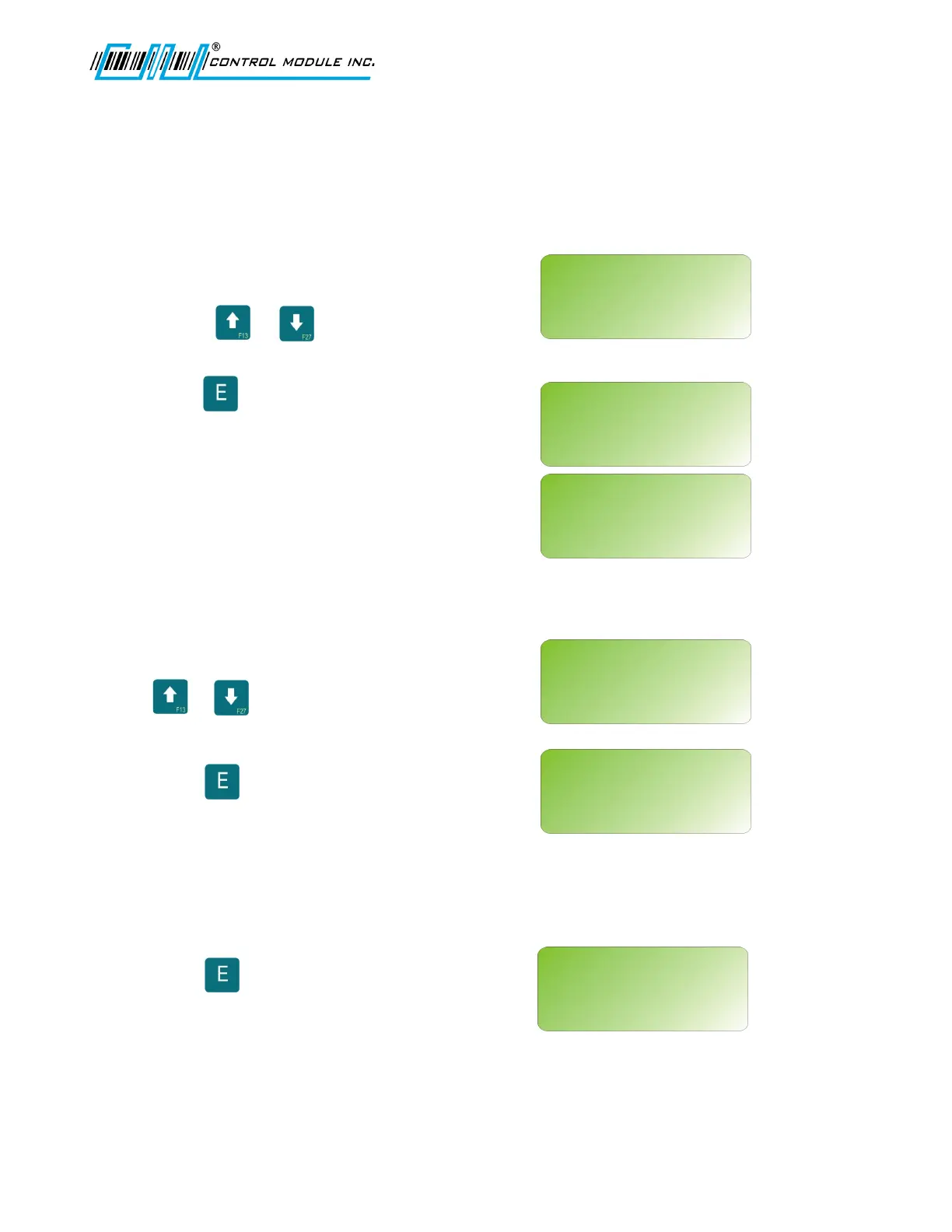
SELECT INTERNAL RDR
Use the or key to scroll through
reader types to: BIOMETRIC
Press to select.
The following message should display and
return to MAIN MENU.
BIOMETRIC TEST
Provides options to check the reader version, test the sensor or to calibrate the reader.
At “Terminal Info?” use the
or keys and scroll to
BIOMETRIC TEST
Press to select.
BIO VERSION
Returns the version of firmware loaded in the biometric reader.
Press to select.
Revision B 10-30-07 28
READER SETUP?
<UP><DWN><E><H>
SELECT INTERNAL RDR:
BIOMETRIC
TERMINAL INFO?
<UP><DWN><E>
BIOMETRIC TEST?
<UP><DWN><E>
CONNECTING READER...
BIOMETRIC TEST?
<UP><DWN><H><E>
BIO VERSION?
BIOMETRIC TEST?
<UP><DWN><H><E>
BIO VERSION?



 To Next Page