CONTENTSINTRODUCTIONINSTALLATION
COMMISSIONING
OPERATION
16
Text messages
The SD3 can send text messages to mobile telephones using the standard SMS
(Short Message Service) messaging. The unit can store up to eight alarm mes-
sages, each with up to 40-characters.
Note: The optional GSM module is required to allow the SD3 to send text
messages.
When the unit sends a text message, it adds the “site message” with a time and
date stamp (see Set date and time).
Messages should normally hold the name or details of the location being protect
-
ed.
To edit text messages
1 From standby, enter the user code, then use the scroll keys (A or C) or 2 to
display the Messages menu:
Press E to select. The screen will show: Voice Message.
2 Use the scroll keys to display:
Text Message.
3 Press
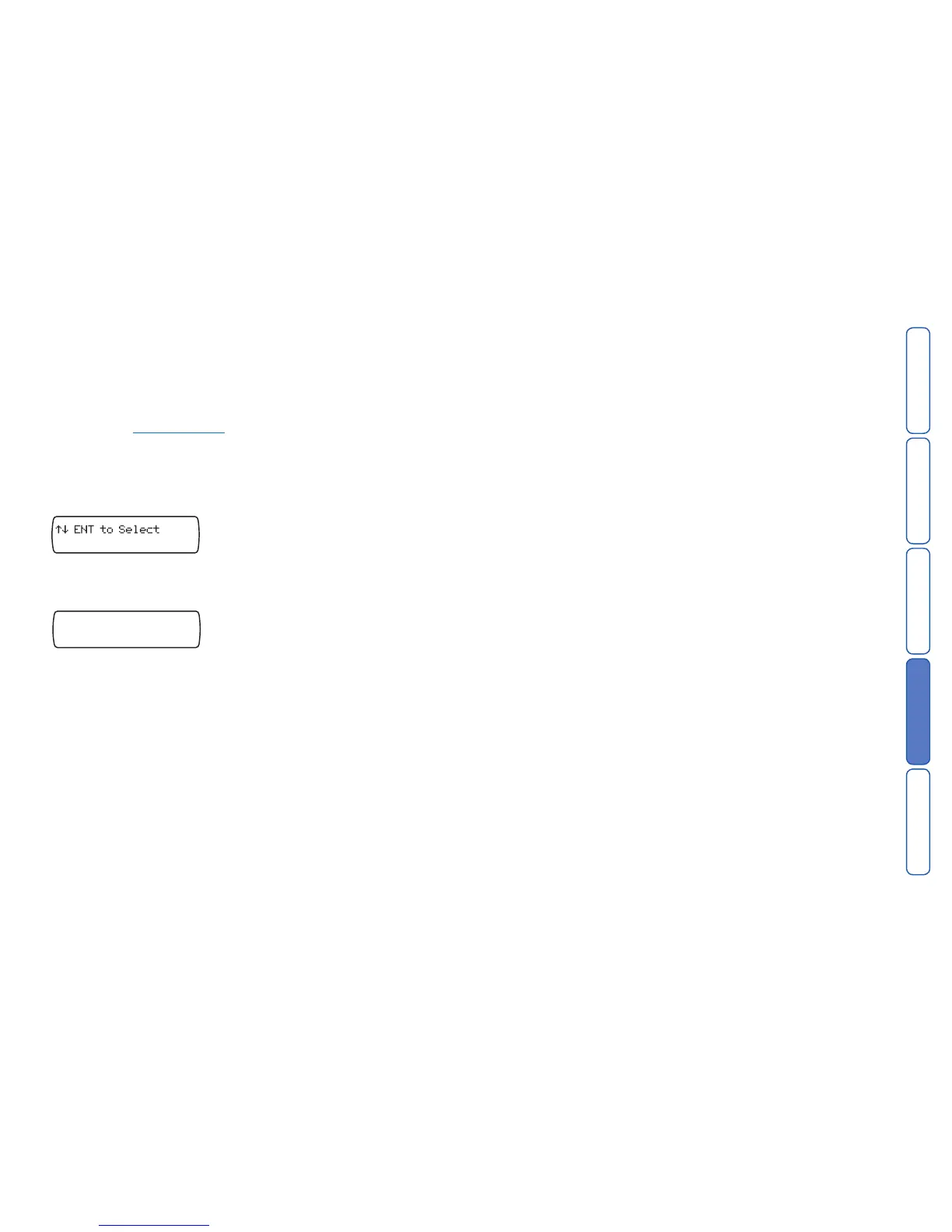
E to select. The screen will show:
4 Press the scroll keys (A or C) or press 1 – 8 to select the required alarm
message (A to H).
5 Press
E to edit. Use the text editing keys to enter the text message.
6 Press
E to accept.
7 Repeat steps 4 – 6 for other alarm text messages.
8 Optionally create other text messages:
• Create a site message. As per step 4, use the scroll keys to locate the Text
Site
entry and enter a common message that gives details about the site (i.e.
address, contact details, etc), as required.
• Create restore messages. For each alarm input, you can create a restore mes-
sage that will be sent to your contacts when the alarm situation is cleared. As
per step 4, use the scroll keys to locate the eight Text Restore entries and
create suitable messages.
9 Press
F to exit this menu.



 To Next Page