CONTENTSINTRODUCTIONINSTALLATION
COMMISSIONING
OPERATION
26
Test Outputs
This test menu allows you to test the SD3’s outputs by switching them on and off
as required.
To test outputs
1 From standby, enter the user code, then use the scroll keys (A or C) or 0 to
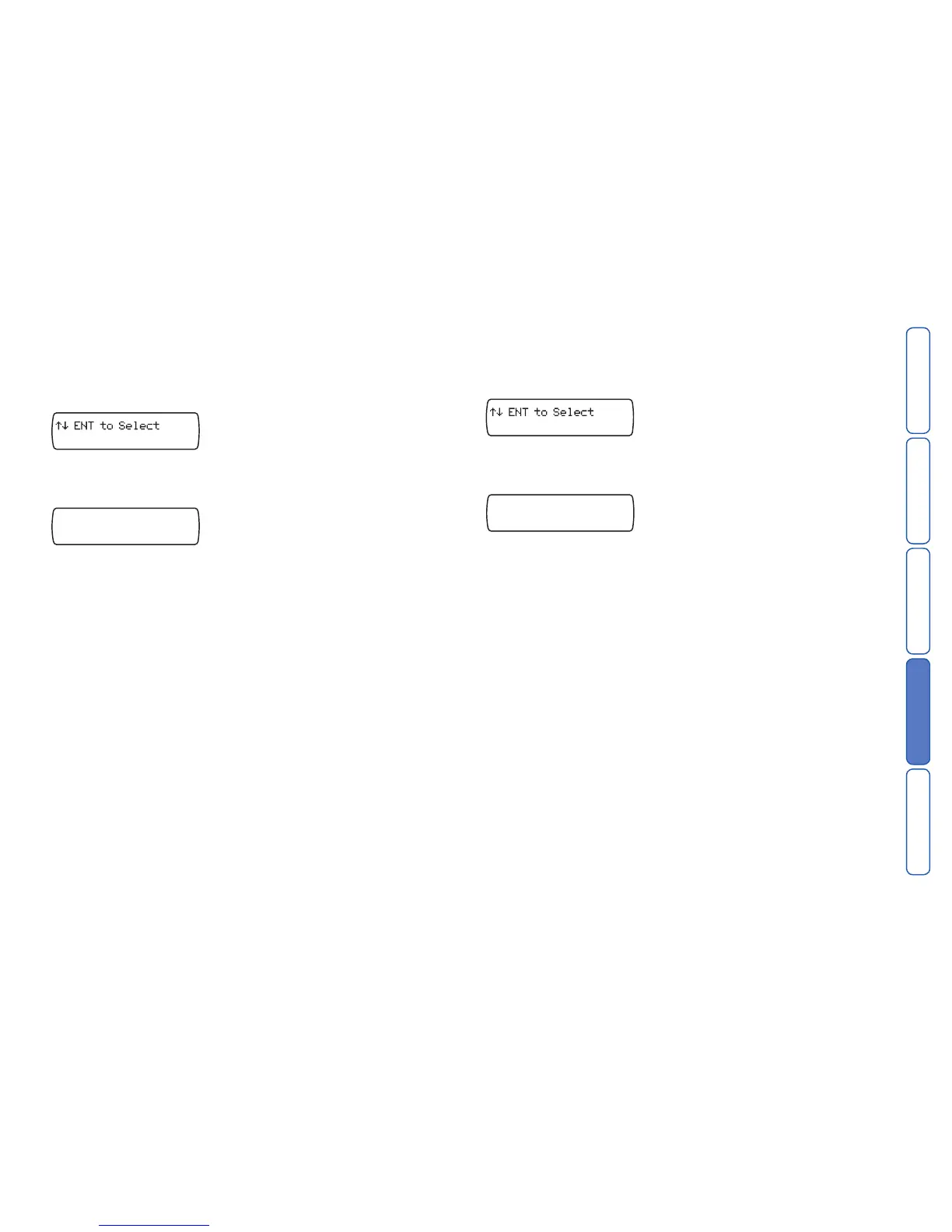
display the Test Options menu:
Press E to select. The screen will show the first option: Test Messages.
2 Press
C or press 2 to show: Test Outputs.
3 Press E to select. The screen will show:
4 Press 1, 2, 3 or 4 to switch on/off each individual output, as required.
The OP1 and OP2 indicators should illuminate when outputs 1 and 2, respectively,
are switched on.
5 Pres
s F to exit.
Test Triggers
This test menu allows you to view the response to trigger inputs .
To test triggers
1 From standby, enter the user code, then use the scroll keys (A or C) or 0 to
display the Test Options menu:
Press E to select. The screen will show the first option: Test Messages.
2 Press
C or press 3 to show: Test Triggers.
3 Press
E to select. The screen will show:
*/*/*/*/*/*/*/*
Test Triggers
2 Activate each trigger input. As a trigger is detected, the screen will show the rel-
evant trigger letter A to H.
Note: No alarm calls will be made during this test.
3 Press
F to exit.



 To Next Page