CONTENTSINTRODUCTIONINSTALLATION
COMMISSIONING
OPERATION
28
Software Version
This option displays the current SD3 internal software version.
To view the software version
1 From standby, enter the user code, then use the scroll keys (A or C) or 0 to
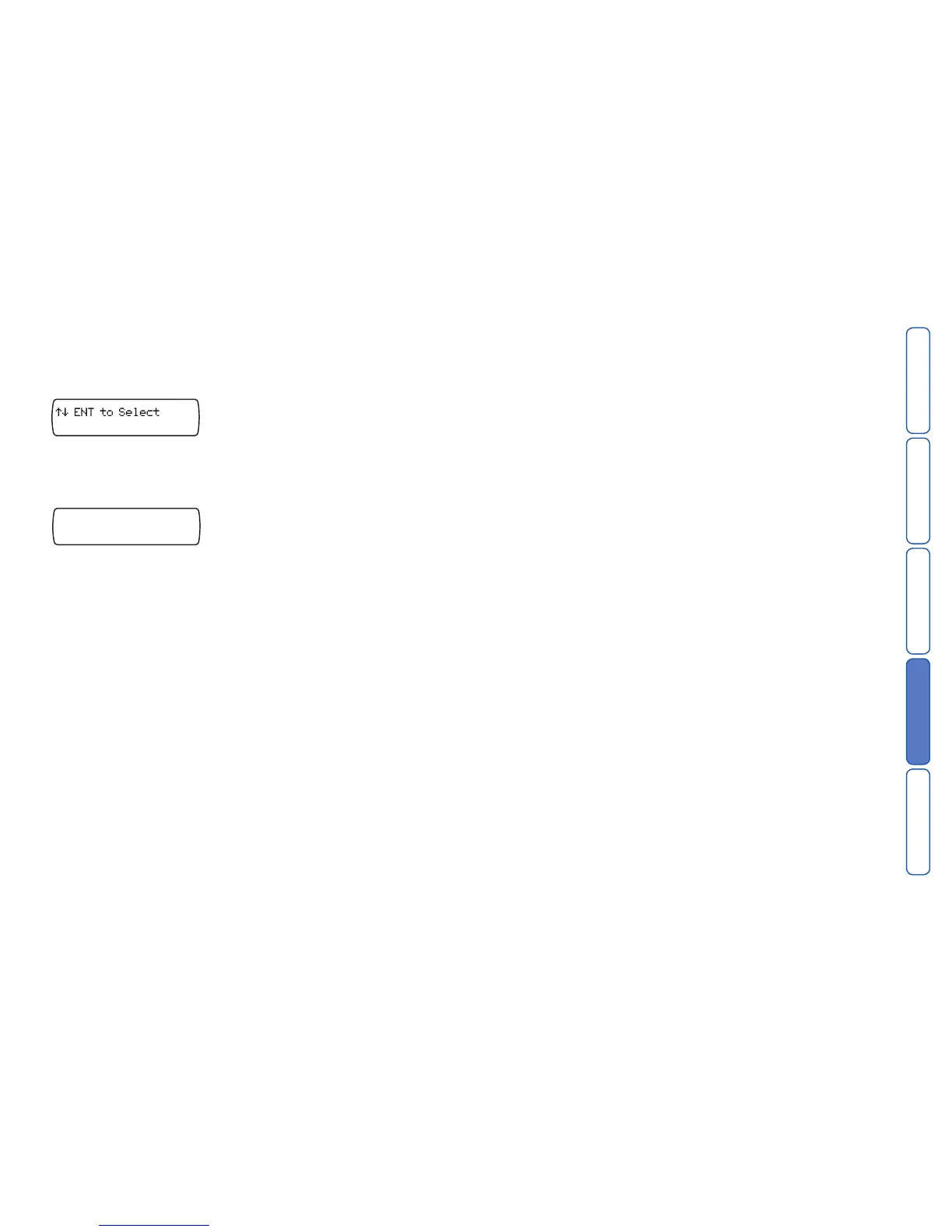
display the Test Options menu:
Press E to select. The screen will show the first option: Test Messages.
2 Press
C or press 7 to show: Software Version.
3 Press
E to select. The screen will show the version and date of the current inter-
nal software:



 To Next Page