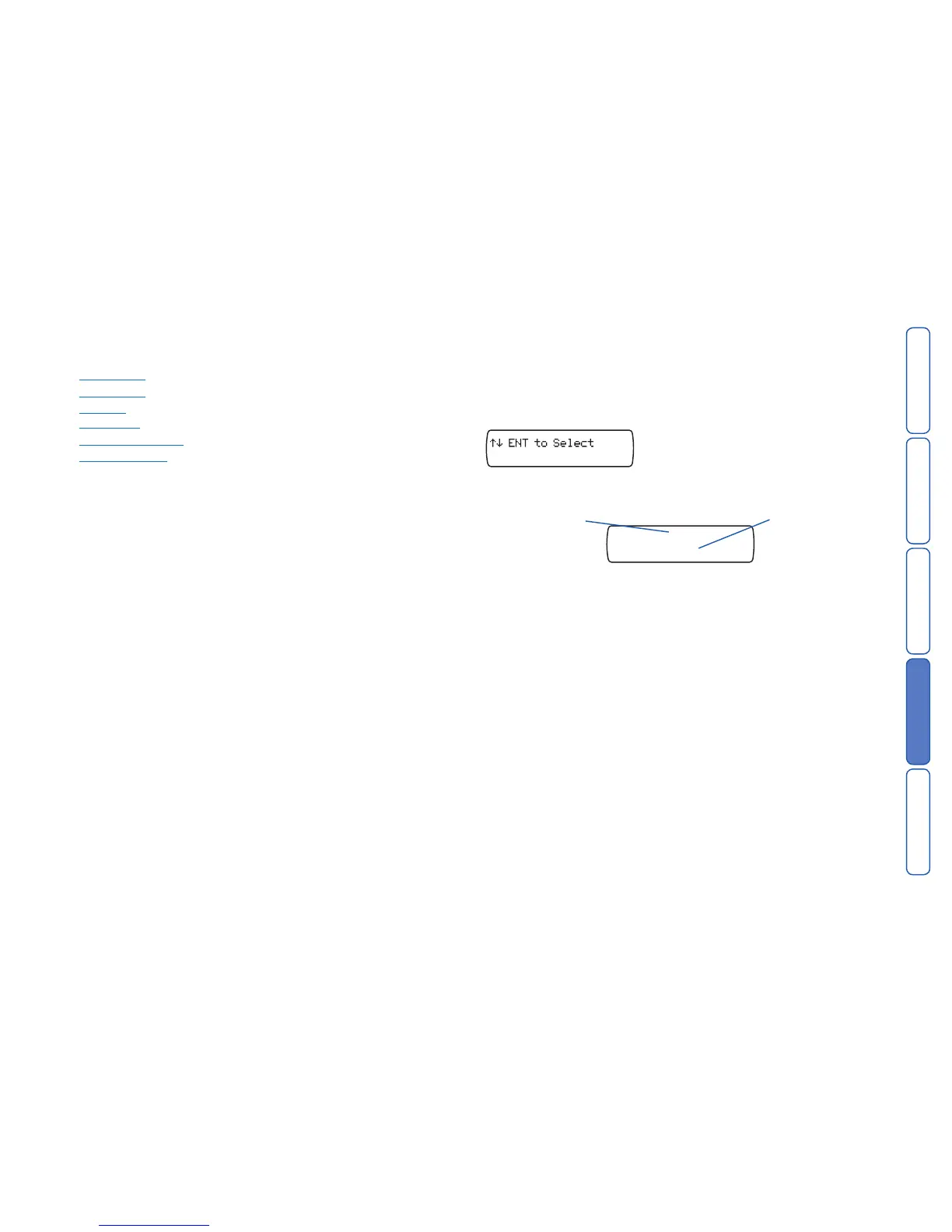
Currently selected
alarm
Use A and C to
change to a dif-
ferent alarm (or
restore) message.
Contacts to whom
the message should
be sent
At this stage, no con-
tacts are selected.
Test Messages
This menu allows you to test the voice messages. The unit will call the selected
contacts and play the selected voice message.
To test messages
1 From standby, enter the user code, then use the scroll keys (A or C) or 0 to
display the Test Options menu:
Press E to select. The screen will show the first option: Test Messages.
2 Press
E to select. The screen will show:
3 For the currently selected alarm (use
A and C to change), press the numeric keys
1, 2, 3, etc. to include or exclude the respective contacts to whom the
message should be sent during the testing phase.
4 Press
E to start the test. To cancel at any time, press F.
5 The screen will indicate each stage of the test, which should be similar to that
shown below (this sequence is for a PSTN connection, GSM links differ slightly):
Idle > Clearing call > Waiting for dialtone > Dialling number >
Wait for ring > Playing message > Ack received
The final item (
Ack received) indicates that the called person has pressed 8 on
their phone keypad to acknowledge the alarm call.
6 Repeat steps 3 to 5 for other messages/contacts, if required. Press
F to exit.



 To Next Page