© 2006-2013, IMI Cornelius Inc. - 27 - Publication Number: 621057419SER
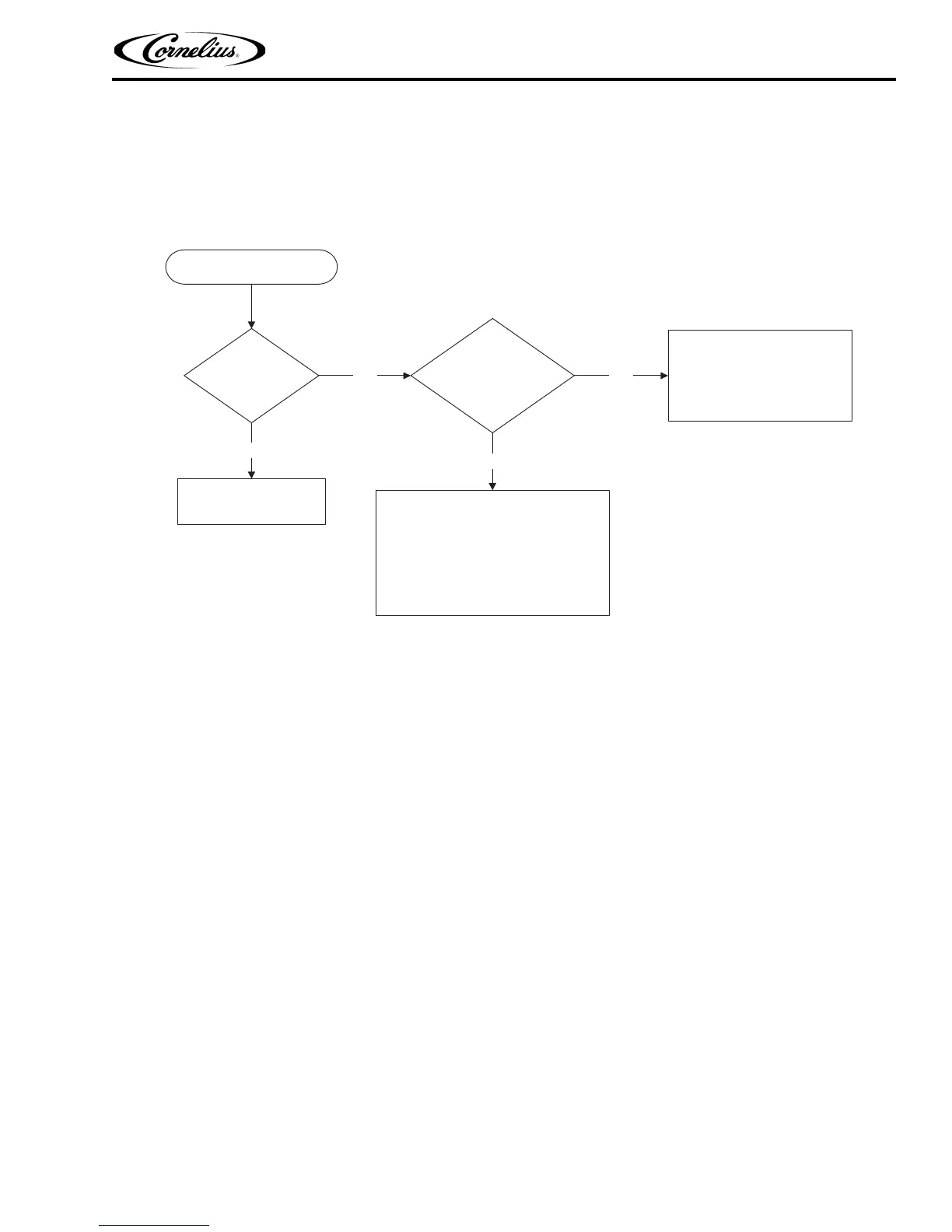
POWER LIGHT OFF
Is the unit plugged
into a socket
No
Plug unit into a socket
1. Check the external power supply breakers.
2. Open the e box and check that the power
cord wires (black and white) are connected
to the e - board.
3. Check the connector between control box
and the e box.
Are there other
equipments on the
same circuit
Yes
No
Yes
1. Remove all other equipment
from the machine circuit.
2. Install a new dedicated circuit
for the machine.






 To Next Page