Table 1
Part No. Description
Sanitary Lever Valves
620069302 Prism, Ceramic regulator, with
mounting block and covers
620070464 Prism, Ceramic regulator, with covers
Push Button Valves
620069304 Prism, Ceramic regulator, with
mounting block and covers
620070465 Prism, Ceramic regulator, with covers
Optifill Lever Valves
620069308 Prism, Ceramic regulator, with
mounting block and covers
620070466 Prism, Ceramic regulator, with covers
Prism Owner’s Manual
Publication Number: 548000096 - 4 - © 2018, Cornelius Inc.
CLEANING INSTRUCTION
Daily Cleaning
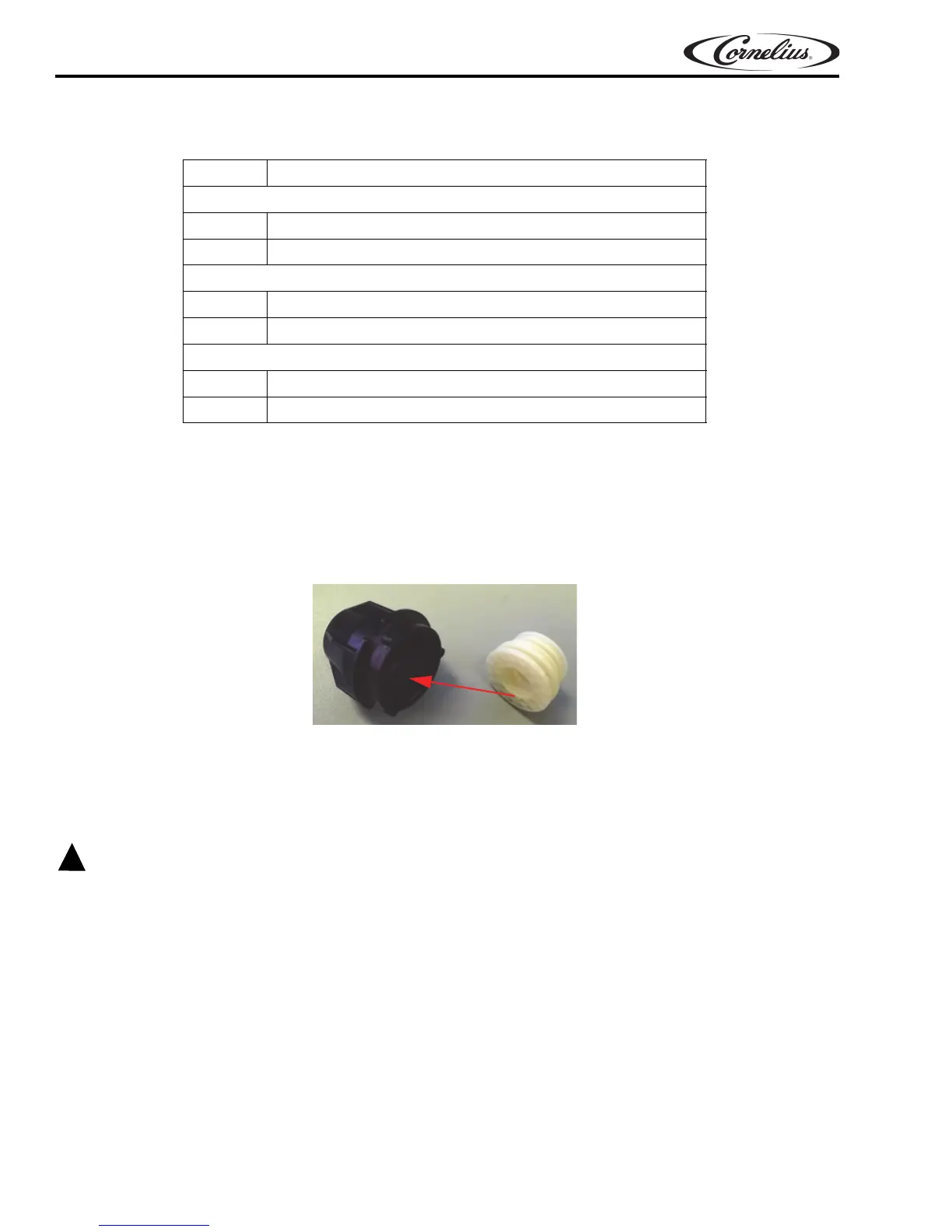
1. Remove nozzle and diffuser from the valve and clean with warm soapy water.Soak with sanitization with 2-
3 minutes and Rinse with clean water, reinstall them back onto the valves and allow to air dry.
Figure 2.
2. Wash external surfaces with mild soap solution, rinse with clean water, and wipe dry.
NOTE: While cleaning the valve do not use abrasive or harsh cleaners on the unit.
NOTE: Diffuser is only compatible with Prism valve.
All sanitizing solution must be drained from the system. A freezing ambient environment will cause
residual sanitizing solution or water remaining inside the valve to freeze resulting in damage to internal
components.
USER INSTRUCTION
The user will have to pour directly from the valve into the ratio cup. User will have to pour water & syrup separately
(not at the same time).
3. “The user has to enter into “ratio mode” via the dip switche
s on the board. Set the dip switches as shown in
Figure 4. First adjust the water flow rate then press the water button. The valve will dispense a preset
a
mount of water. Adjust the flow rate using the valve flow control until the flow rate is adjusted properly.
Af
ter water is adjusted properly - use the Brand buttons to dispense a preset amount of syrup. Adjust the
co
rresponding Brand flow control until the Brand flow rate is adjusted properly













 To Next Page