Wavecard-Waveport User Manual Coronis Systems
Follow this procedure to initiate a request in selective polling mode:
• Configure a POLLING_ROUTE table containing all the addresses of modules to be queried;
transmit a request to modify internal parameters.
• Configure the group number of each remote module contained in the table (POLLING_ROUTE) ;
• transmit a request to modify internal parameters.
• Choose the group to query and transmit the polling request.
When a Wavecard or Waveport module is the receiver of a selective polling
request, the user must specify to which group Wavecard belongs. For that, it
is necessary to configure parameter WAVECARD_POLLING_GROUP, with
the number of selected group.
Be careful not to confuse this parameter with the parameter
GROUP_NUMBER, which gives the number of group to be queried when
Wavecard transmits a selective polling request.
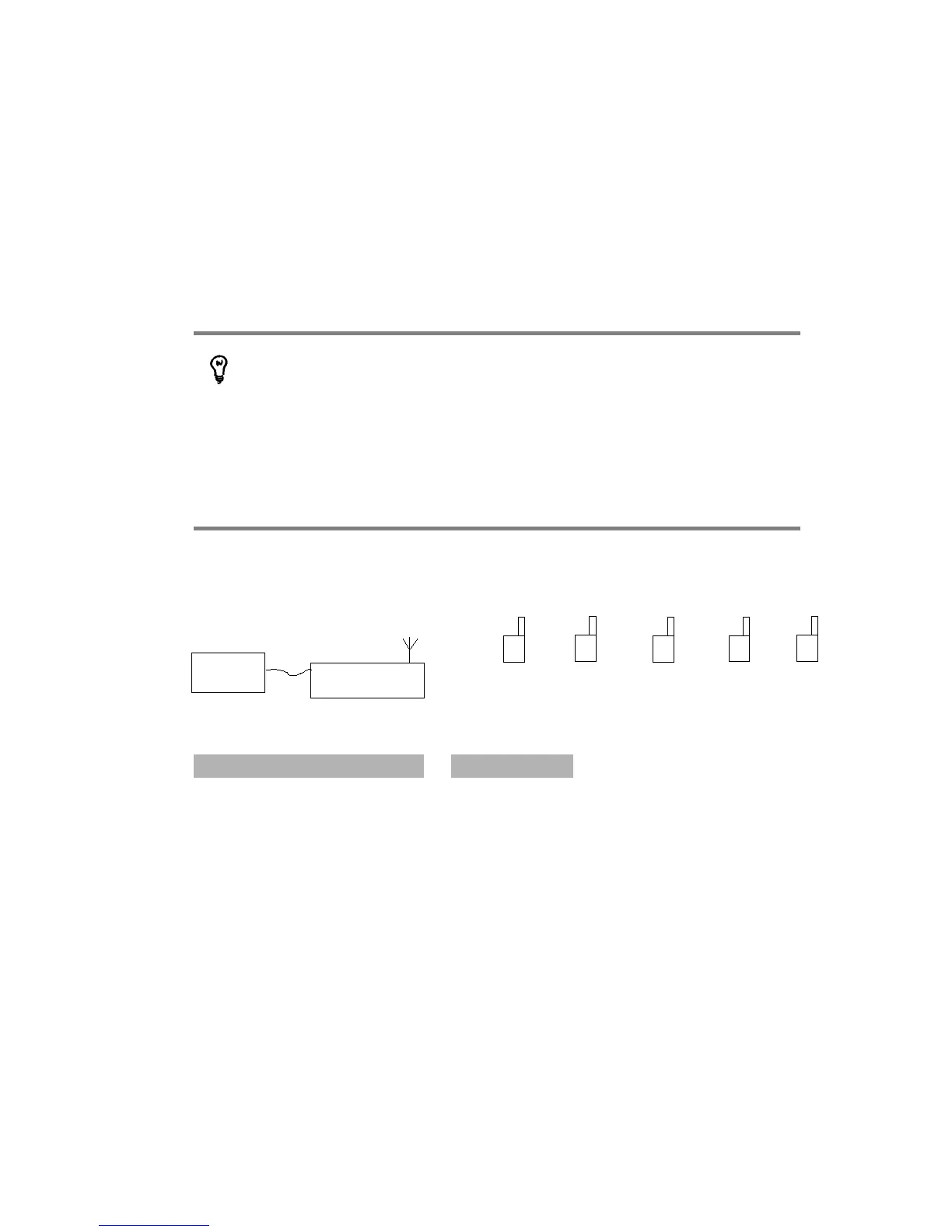
Example of a selective polling exchange
Wavecard is configured as shown here:
POLLING_ROUTE GROUP_NUMBER
module A address 0x01
module B address
module C address
module D address
module E address
After a REQ_SEND_POLLING request is transmitted, remote modules can react differently, for example:
• module A : responds to the request. (PARTICULAR CASE) Since this module is the first in the
POLLING_ROUTE table, the first polling frame is sent in non-optimized point-to-point mode
• module B : responds to the request (member of queried group)
• module C : responds to the request (member of queried group)
• module D : responds to the request (member of queried group)
• module E : no response (not a member of queried group)
CS-SUP-MUTI-WPORTAPP-E04 54
Host
WaveCard
A
Grp 2
B
Grp 1
C
Grp 1
D
Grp 1
E
Grp 2



 To Next Page