LEMCOM CANopen® – User manual Meaning of indicator lights
COVAL – LMCOP-EN-A-1155UM0068 14/49
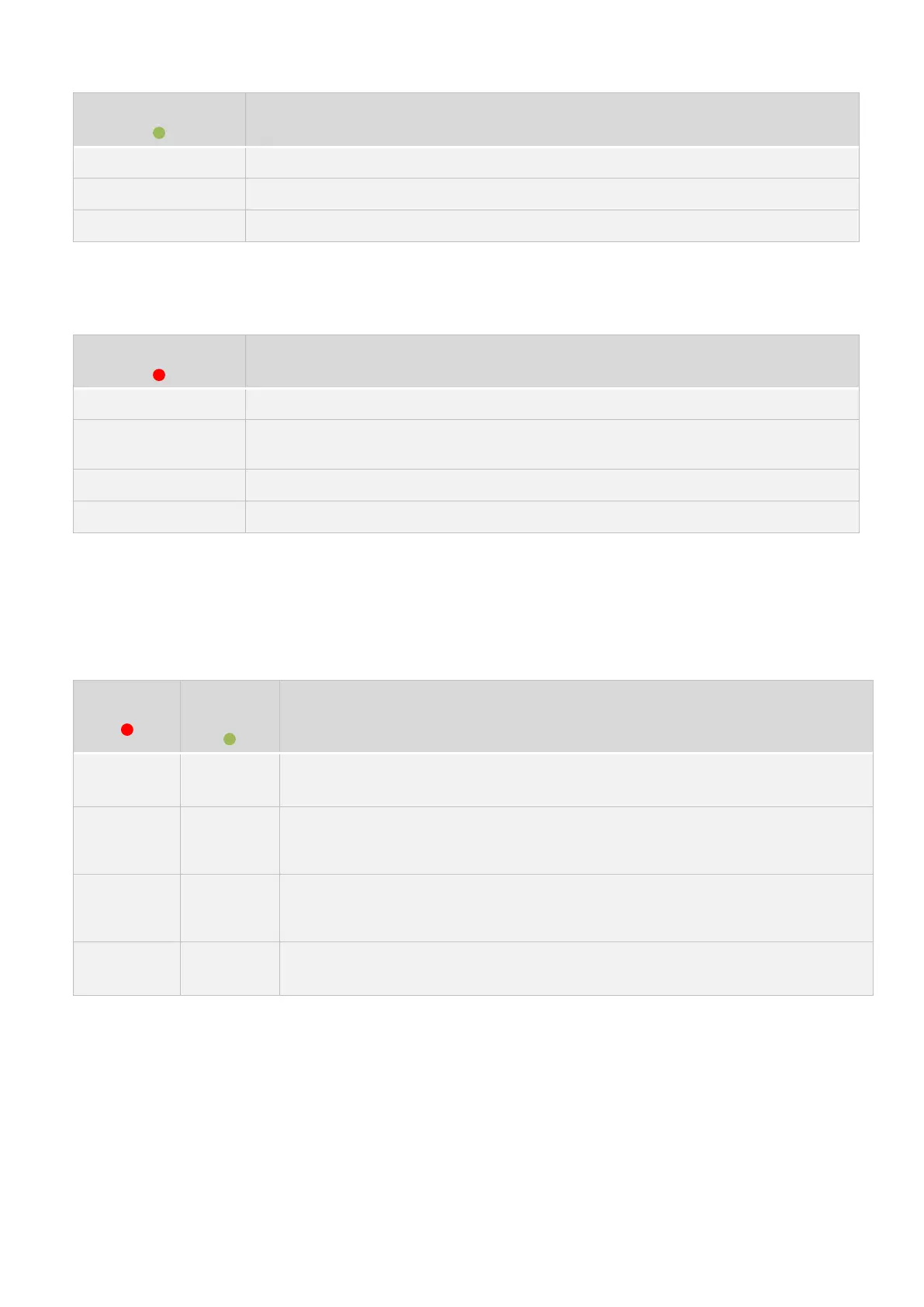
Product is “PRE-OPERATIONAL”.
Product is “OPERATIONAL”.
Table 4 – CAN-RUN indicator light
The CAN-ERR LED indicates the status of the LEMCOM’s physical layer as well as errors due to
missing messages.
At least one error counter of the CAN controller has reached the warning threshold
(96).
A “Node Guarding” or “Heartbeat” monitoring fault has been detected.
CAN controller is in “BUS OFF” state.
Table 5 – CAN-ERR indicator light
4.3 Network Status (NS) indicator light
The NS LED indicates the status of the communication on the local bus (master/secondary
communication).
No power / not assigned:
Module is switched off or no address has been assigned to it on the local bus.
Connected:
Module has an address on the local bus and connection with the LEMCOM master
module has been established.
Timeout:
Module has an address on the local bus, but connection with the LEMCOM master
module has failed (check the COVAL bus connection).
Self-test: Testing sequence at startup
Table 6 – Local bus indicator light (NS)


 To Next Page