LEMCOM CANopen® – User manual Detailed description of CANopen objects
COVAL – LMCOP-EN-A-1155UM0068 45/49
12.33 210Ch – State of blue customizable LED
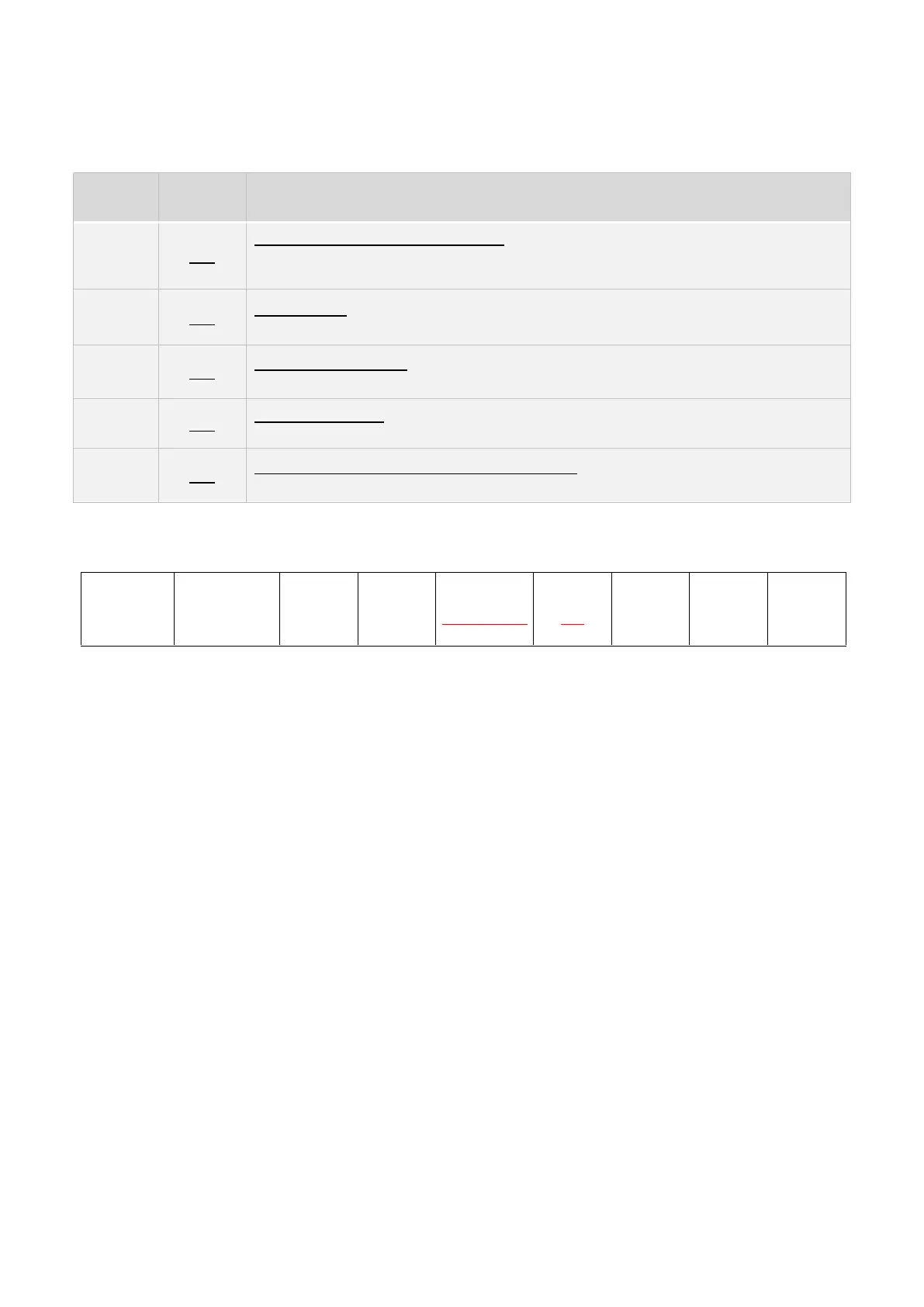
Various operating modes are available for the blue LED on the front of LEMCOM modules:
ASC ACTIVE + CTRL FAULT INFO:
LED ON if ASC option is activated / Flashing if control fault (continuous suction) /
otherwise OFF
ASC ACTIVE:
LED ON if ASC option is activated / otherwise OFF
CONTROL RUNNING:
LED ON during control phase / otherwise OFF
CONTROL FAULT:
LED flashing upon control fault (continuous suction) / otherwise OFF
MAINTENANCE AFTER 30 MILLION CYCLES:
LED ON if Vacuum Cycles > 30 MCycles / otherwise OFF
Table 16 – State of blue customizable LED
SDO command:
The subindex is used to define the module to be set (from 1 to 16):
- Subindex = 0x01 set BLUE_LED_MODE on master module (address #0)
- Subindex = 0x02 set BLUE_LED_MODE on secondary module at address #1
- …
- Subindex = 0x10 set BLUE_LED_MODE on secondary module at address #15
Byte 0 is used to define the operating mode of the blue LED according to the above table. Mode BL1
is the default operating mode.


 To Next Page