LEMCOM CANopen® – User manual Detailed description of CANopen objects
COVAL – LMCOP-EN-A-1155UM0068 37/49
12.19 4000h – Supply voltage process value
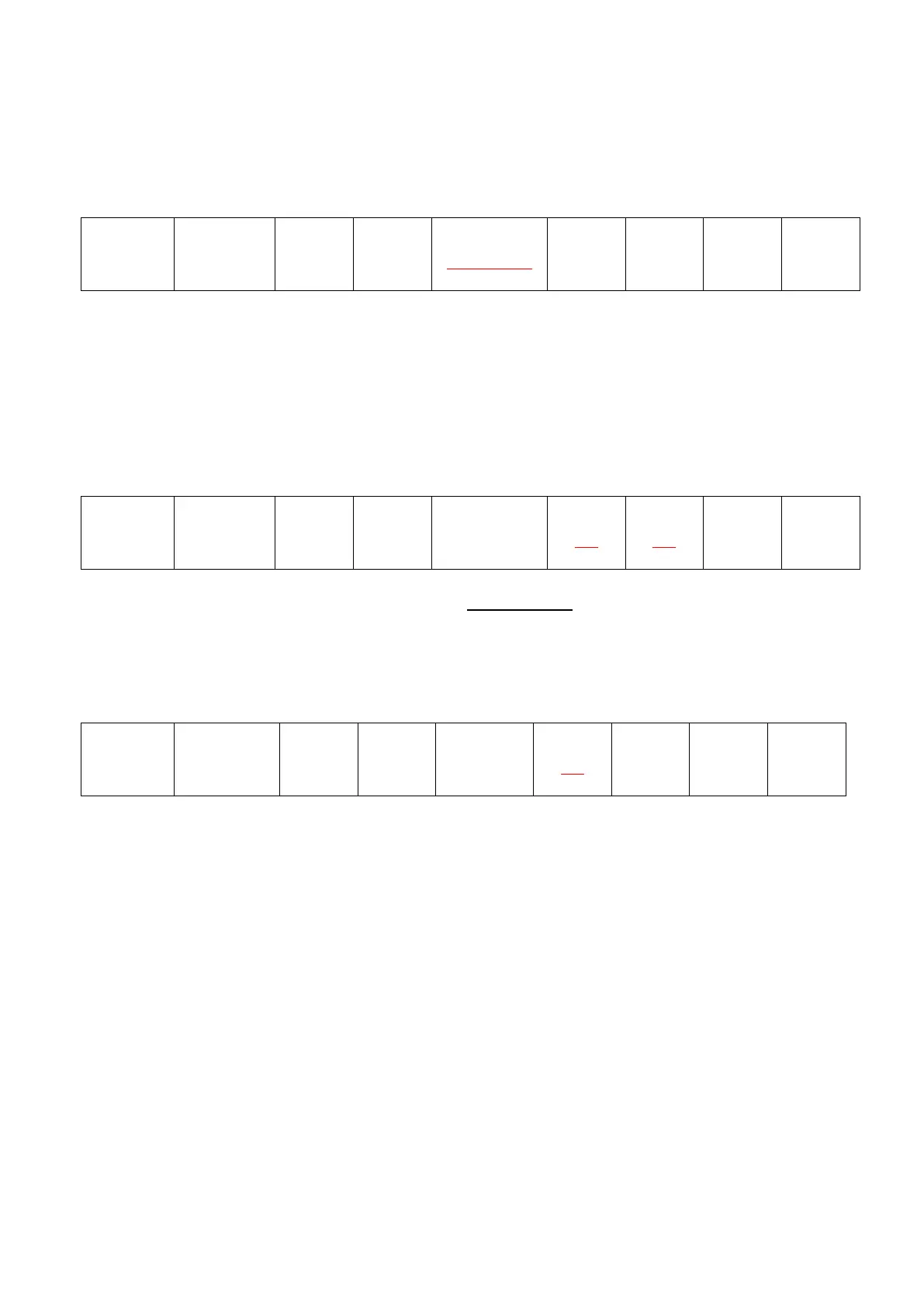
Object 4000h is used to read the supply voltage value:
Client (master) server (LEMCOM)
The subindex is used to define the module to query (from 1 to 16):
- Subindex = 0x01 request for voltage value on master module (address #0).
- …
- Subindex = 0x10 request for voltage value on secondary module at address #15
The reply is as follows:
Server (LEMCOM) Client (master)
The voltage value is encoded in Byte 1 - Byte 0 in tenths of volts.
12.20 3000h – Module restart
All of an island’s modules can be restarted using the following command:
All of the island’s modules will restart. The LEMCOM master module will then be in “pre-operational”
mode.
12.21 3010h – Add/Remove a module
All secondary modules on a LEMCOM island have a unique address on the COVAL bus (#1 to #15),
which enables the LEMCOM master module to identify them.
Upon delivery, the addresses assigned to each module at the factory correspond to their physical
location on the island. Address #0 is assigned to the master module and addresses #1, #2, etc. are
assigned to the secondary modules. However, an island only consisting of secondary modules or a
stand-alone secondary module is always delivered without any address.
Object 3010h is used to perform the following actions:
- Remove a module from the COVAL bus
- Redefine the address of a secondary module present on the COVAL bus
- Add a module to the COVAL bus


 To Next Page