13
OVERVIEW (Primary Touch Screen Keys, Cont’d)
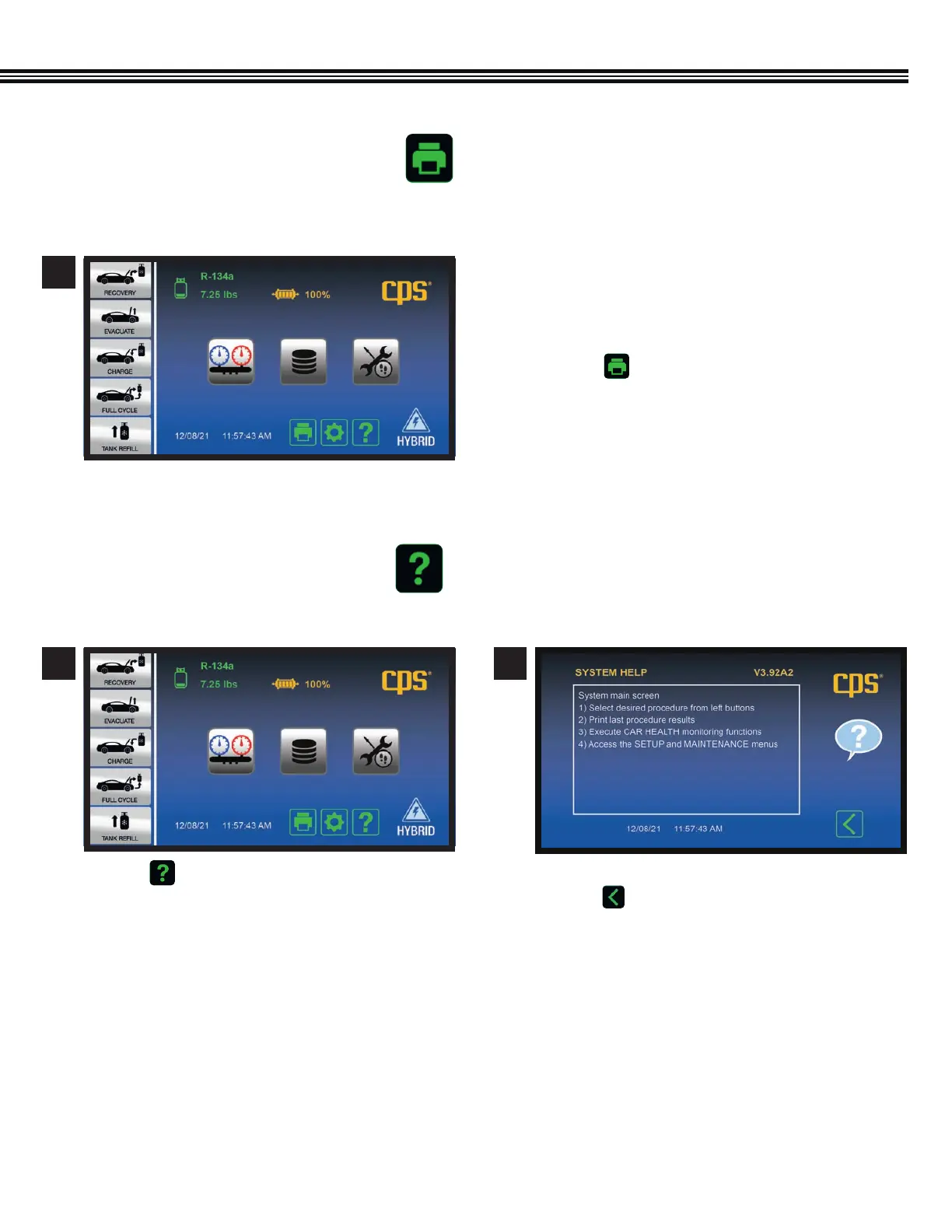
a. Use the MX134’s Bluetooth Low Energy or Wi-Fi
functions to connect to a wireless printer. The
Bluetooth range is generally 30 ft, while Wi-Fi is
generally 150 ft (both direct line of sight).
b. Touch to receive a printed copy showing
results of the LAST function performed.
1
Home Screen
PRINT KEY
HELP MENU
a. Touch to enter the HELP MENU. a. Firmware Version shown at UPPER RIGHT
b. Touch to return to Home Screen.
1 2
Home Screen Help Screen


 To Next Page