©2015 Cradlepoint. All Rights Reserved. | +1.855.813.3385 | cradlepoint.com
27
User Manual / CBA850
11/5/15
NETWORKING
LOCAL NETWORKS
Local Networks
VLAN Interfaces
Routing
DNS Servers
WAN Anity
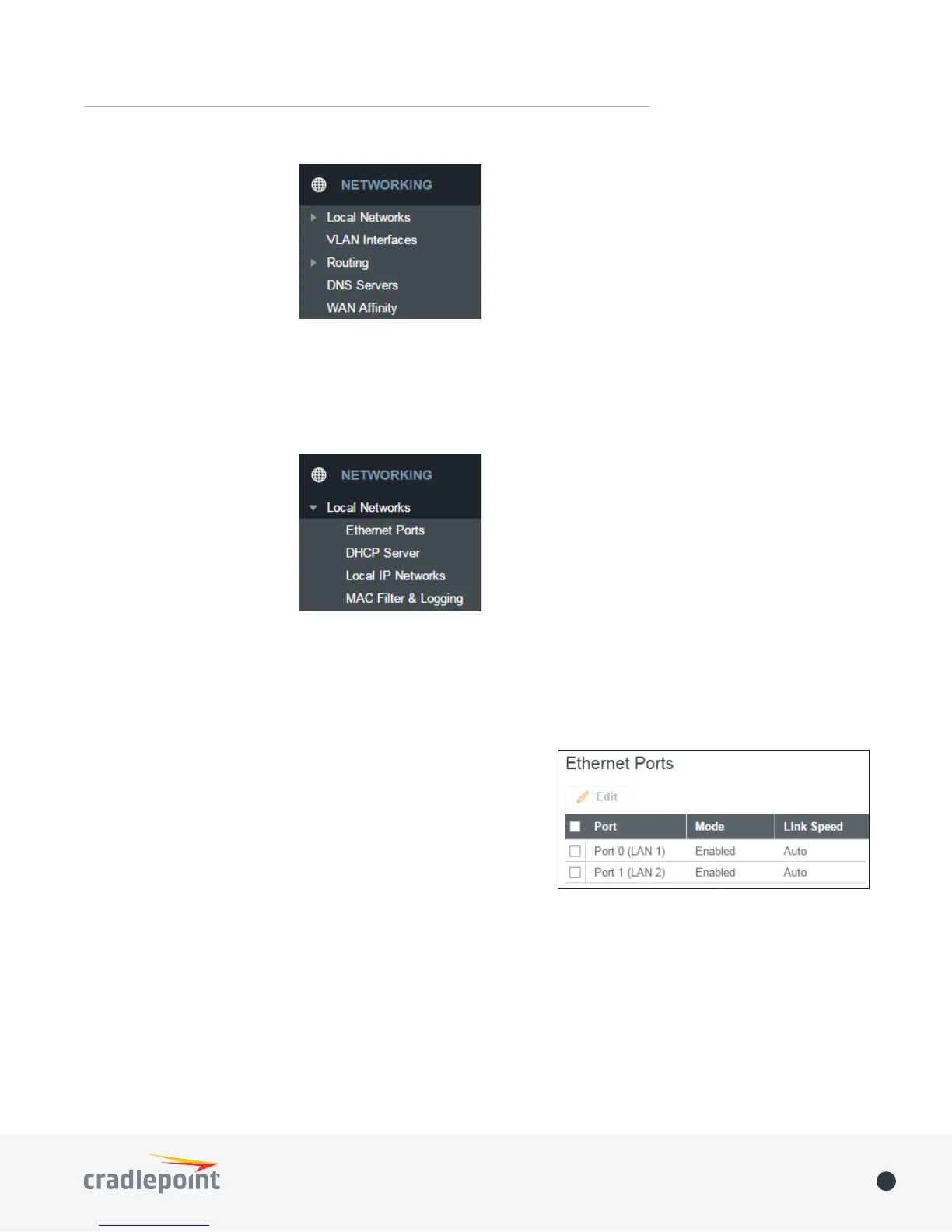
ETHERNET PORTS
The CBA850 has two
Ethernet ports for local
network connections. LAN2
can also be used for PoE
(optional). While default
settings will be sucient
in most circumstances, you
have the ability to control: Mode (Enabled or Disabled) and Link Speed. Additional controls for WAN ports are
available in CONNECTION MANAGER.
NOTE: USB port may not be used for external modem if router is being run using PoE.
Mode: Enabled or Disabled.
Link Speed: Default setting is Auto. The Auto setting is preferred in most cases.
• Auto
• 10Mbps - Half Duplex
• 10Mbps - Full Duplex
• 100Mbps - Half Duplex
• 100Mbps - Full Duplex
• 1000Mbps - Full Duplex
To change port settings, select desired port and click Edit.
DHCP SERVER
DHCP stands for Dynamic Host Conguration Protocol. The built-in DHCP server automatically assigns IP
addresses to the computers and other devices on each local area network (LAN). In this section you can view a
list of assigned IP addresses and reserve IP addresses for particular devices.
Active Leases: A list of devices that have been provided DHCP leases. The DHCP server automatically assigns
these leases. This list will not include any devices that have static IP addresses on the network. Select a device
and click Reserve to add the device and its IP address to the list of Reservations.















 To Next Page