©2015 Cradlepoint. All Rights Reserved. | +1.855.813.3385 | cradlepoint.com
36
User Manual / CBA850
11/5/15
Advanced Dynamic DNS Settings
Update period (hours): (Default: 576) The time between periodic updates to the dynamic DNS, if your dynamic
IP address has not changed. The timeout period is entered in hours so valid values are from 1 to 8760.
Override External IP: The external IP is usually congured automatically during connection. However, in
situations where the unit is within a private network behind a rewall or router, the network’s external IP
address will have to be manually congured in this eld.
You may nd out what your external IP address is by going to http://myip.dnsomatic.com in a web browser.
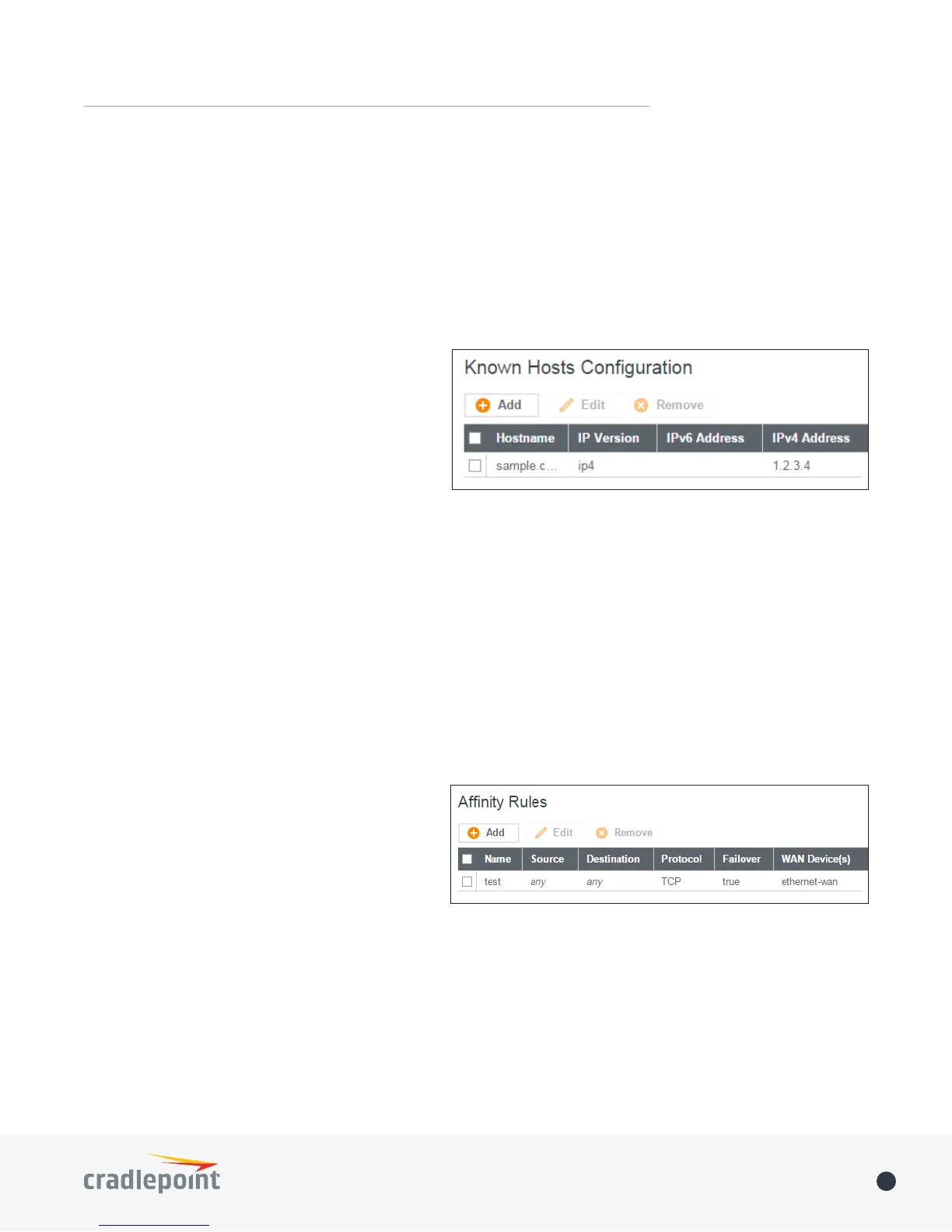
Known Hosts Conguration
The Known Hosts Conguration feature allows you
to map a name (printer, scanner, laptop, etc.) to an
IP address of a device on the network. This assigns
a new hostname that can be used to conveniently
identify a device within the network, such as an
oce printer.
Click Add to name a device in your network.
Fill in the following elds:
• Hostname: Choose a name that is meaningful to you. No spaces are allowed in this eld.
• IP address: The address of the device within your network.
EXAMPLE: a personal laptop with IP address 192.168.0.164 could be assigned the name “MyLaptop.”
Since the assigned name is mapped to an IP address, the device’s IP address should not change. To ensure that
the device keeps the same IP address, go to NETWORKING > Local Networks > DHCP Server and reserve the IP
address for the device by selecting the device in the Active Leases list and clicking Reserve.
WAN AFFINITY
WAN Anity rules allow you to manage trac in
your network so that particular bandwidth uses
are associated with particular WAN sources. This
allows you to prioritize bandwidth.
EXAMPLE: You could specify that your guest LAN
is only associated with your Ethernet connection
with no failover. Then if your Ethernet connection
goes down and the embedded modem connects for failover for your primary LAN, your guest LAN will not take
bandwidth from your primary LAN, saving you money.
Click Add to open the WAN Anity Policy Editor and create a new WAN Anity rule.
Name: Give a name for your rule that is meaningful to you.
DSCP (DiServ): Dierentiated Services Code Point is the successor to TOS (Type of Service). Use this eld
to select trac based on the DSCP header in each IP packet. This eld is sometimes set by latency sensitive
equipment such as VoIP phones. If you know specic DSCP values, you can input one here.
DSCP Negate: When checked this rule will match on any packet that does NOT match the DSCP eld.















 To Next Page