36
Crane Electronics Ltd
The force in torque management
Crane Electronics Ltd
Watling Drive
14 88
-electronics.com
Adapter ID
Serial Number = (Up to 8 digits)
If transducer mode is ‘any appropriate’ then any transducer can be used with the job and at the point of use, it
will check the transducer span against job limits (e.g. Span ≥ USL and 10% Span ≤ LSL).
If transducer mode is ‘fixed’ type, then the transducer used must match:
- Transducer Type (UTA, IS, CheckStar Multi, Wrench)
- Span
- PPR
- Transducer Units
- Adapter Length (if wrench)
- Adapter ID (if wrench)
If transducer mode is ‘specific device’, the same as above for ‘fixed type’ applies, plus the serial number of the
transducer to be used.
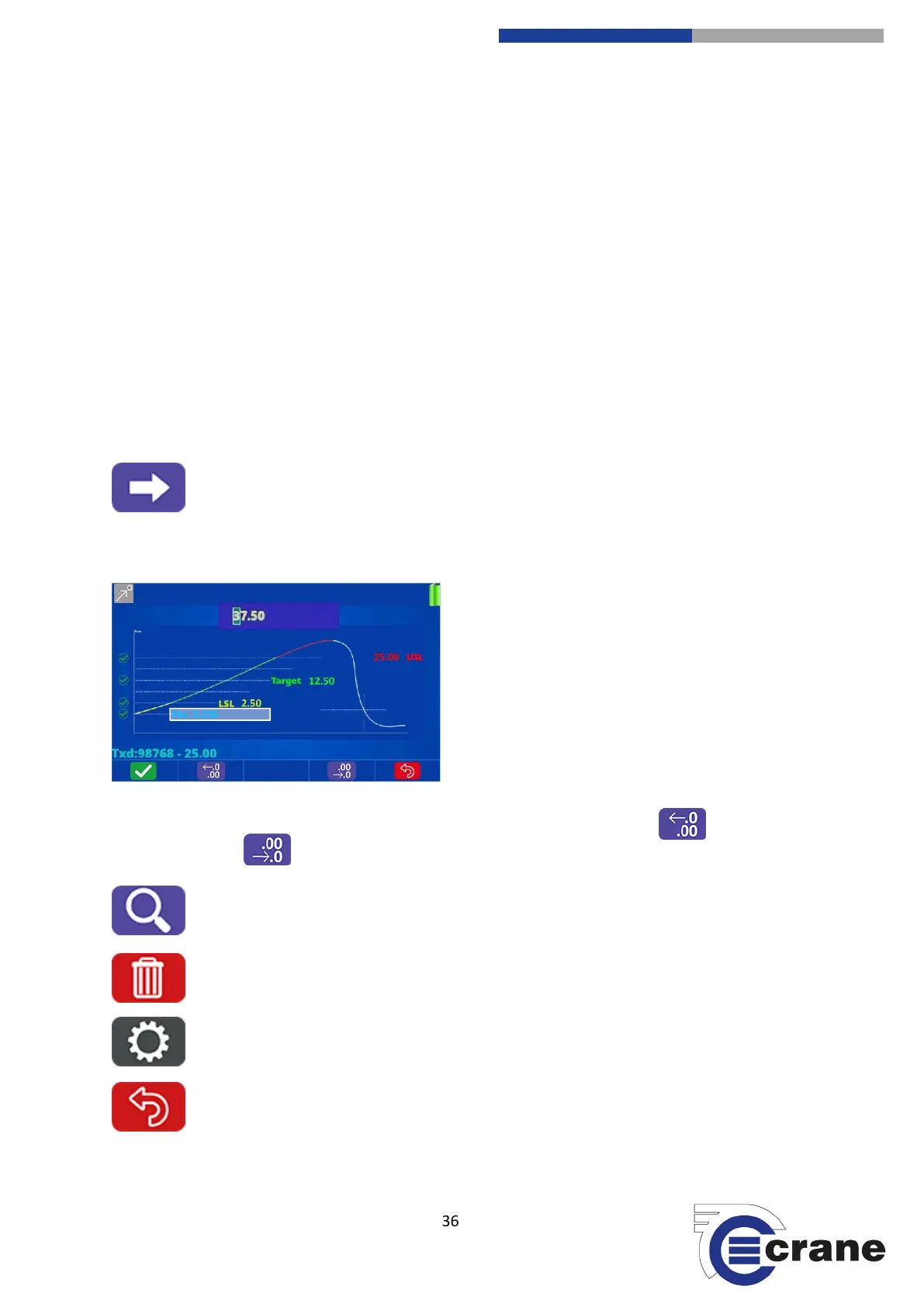
Screen 5: Primary Parameter Limits & Screen 6: Secondary Parameter limits (if enabled)
Similar to the same screen within ‘Check’ mode.
When adjusting limits (as ‘any appropriate’) you can adjust the decimal point with (F2) (move decimal
point to left) or (F4) (move decimal point to the right).
(F2) Search Job List: Job list allows you to enter a search string which will only display job names
containing that string.
(F3) Delete: Allows you to delete a selected Job.
(F4) Job Setup: Same screens as ‘Add Job’ but to you can view or edit job (if created locally and
no readings are taken).
(F5) Back: Return to the main screen.



 To Next Page