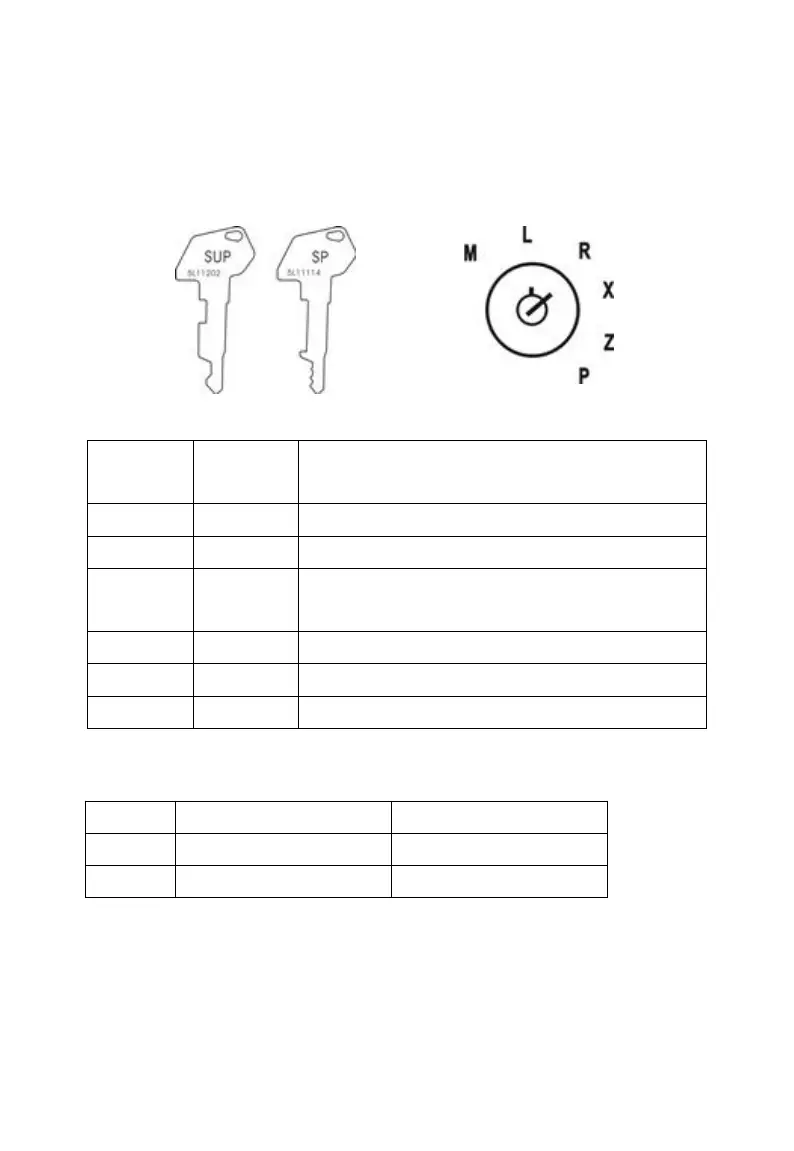
2.1.1 Mode switch
Insert the mode key into the mode switch and move the key to get an
appropriate mode.
Turn off the cash register.
Use this mode for normal registration.
Reads sales data in memory without clearing the
data.
Reads sales data in memory and clears the data.
Use this mode for cash register programming.
Use this mode for Manager control operation.
2.1.2 Display
2.1.3 Cash drawer
The cash drawer can open automatically whenever you finalize a registration.
Press the “SHIFT” + “CASH” key can also open it when there is no sale in the
“R” mode. In case of power failure or the machine is in malfunction, the cash



 To Next Page