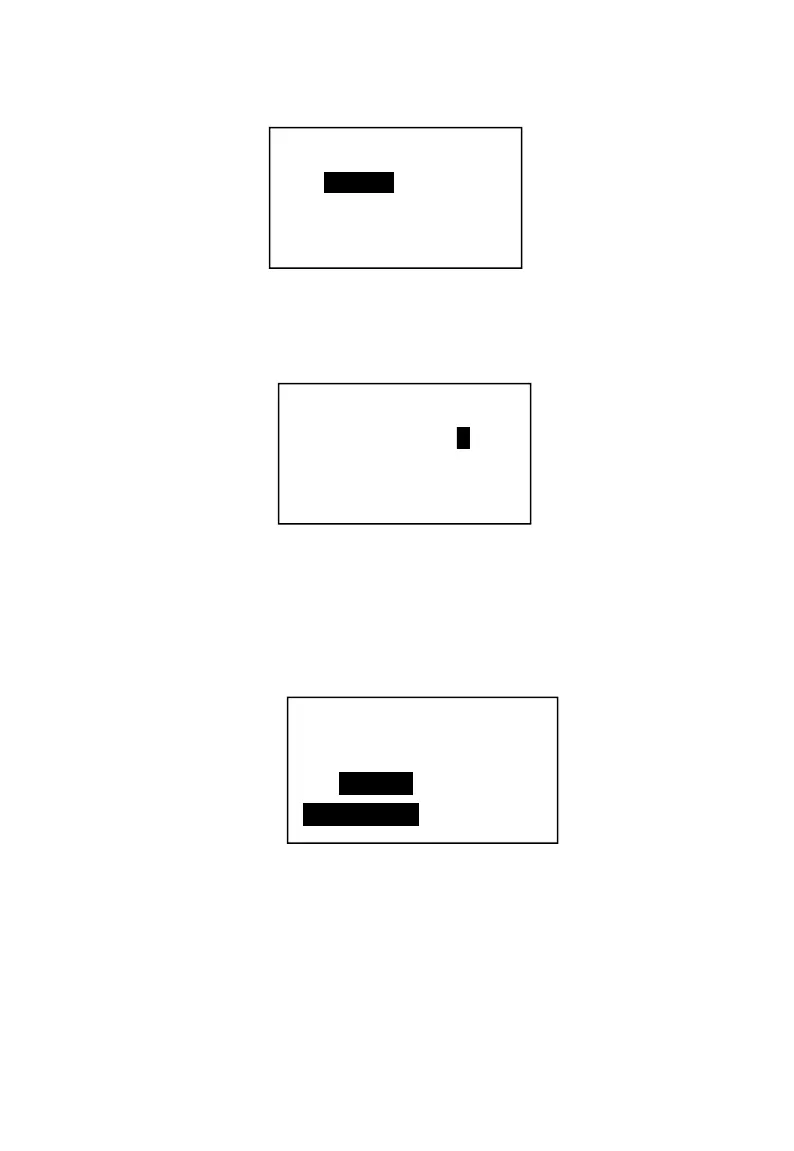
2. Input the operator password “12345678” .
3. Press 【SBT】twice. The machine input operator name.
4. Press 【SBT】to confirm.
5. Press 【SBT】 to choose the operator authority. Press cursor keys to go to
the next.
To change the operator information, it should be:
In P mode → System setting → Clerk → Input the clerk code → 【SBT】.
4.2 Operator display setup.
In P position → System setting → 【SBT】→ LCD Setting → 【SBT】
4.3 Receipt setup.
Receipt setup includes the sales receipt, KP receipt printing content, and
printing font etc.
Code: 1
Psw: ********
Name: CLERK1
CLERK Auth.
Sales Auth. N
Rf. Auth. N
PLU DCT N
LCD Contrast
<-Down Up->
SBT-Confirm



 To Next Page