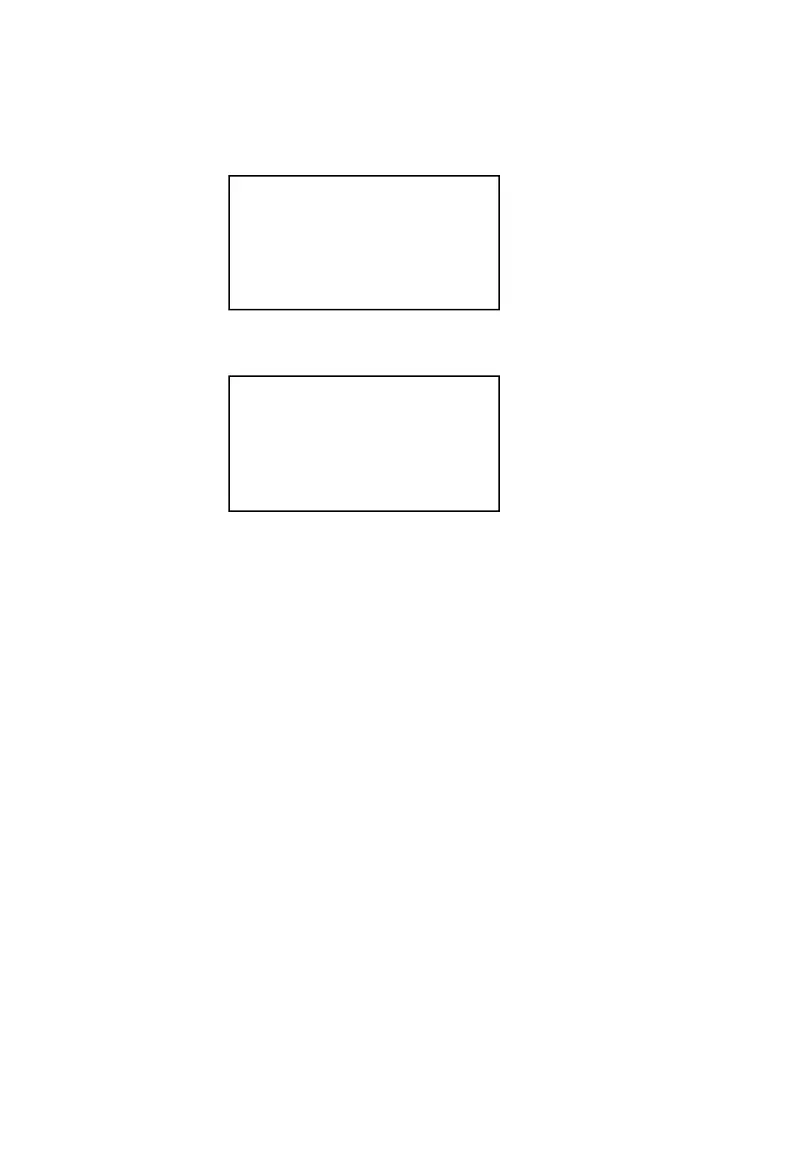
Example:
1. Sell a product in Dept 4. Press 100 →【D4】
.
2. Change the qty as 5. Press 5 →【VOID】
3. Then press 【SBT】 →【CASH】
6.5.2 Void/ Cancel Products
1. Cancel the item you have input:
Operation:
Bar Coded PLUs: sell product →【CANCEL】→ scan the PLU.
Coded PLUs: sell product →【CANCEL】→ input the PLU code need to be
cancelled → 【PLU】.
Department: sell product → 【CANCEL】→ input the dept no. if the dept have
been programmed or input the price then dept no. if the dept
have not been programmed.
2. Cancel all list.
Operation:
(1) Sell product →【SBT】→【CANCEL】→【SBT】→【CASH】.
(2) Program the “CANCEL ALL” key.
Please check “4.1.3 Keyboard Function Setup”
Example: The customer purchased one book (PLU code is 1001, unit
price is 100) and a bottle of Beer (PLU code is 1003, unit price is 20), when do
DEPT4
Qty: 1.00
Amount: 100.00
Input:
DEPT4
Qty: 5.00
Amount: 500.00
Input:



 To Next Page