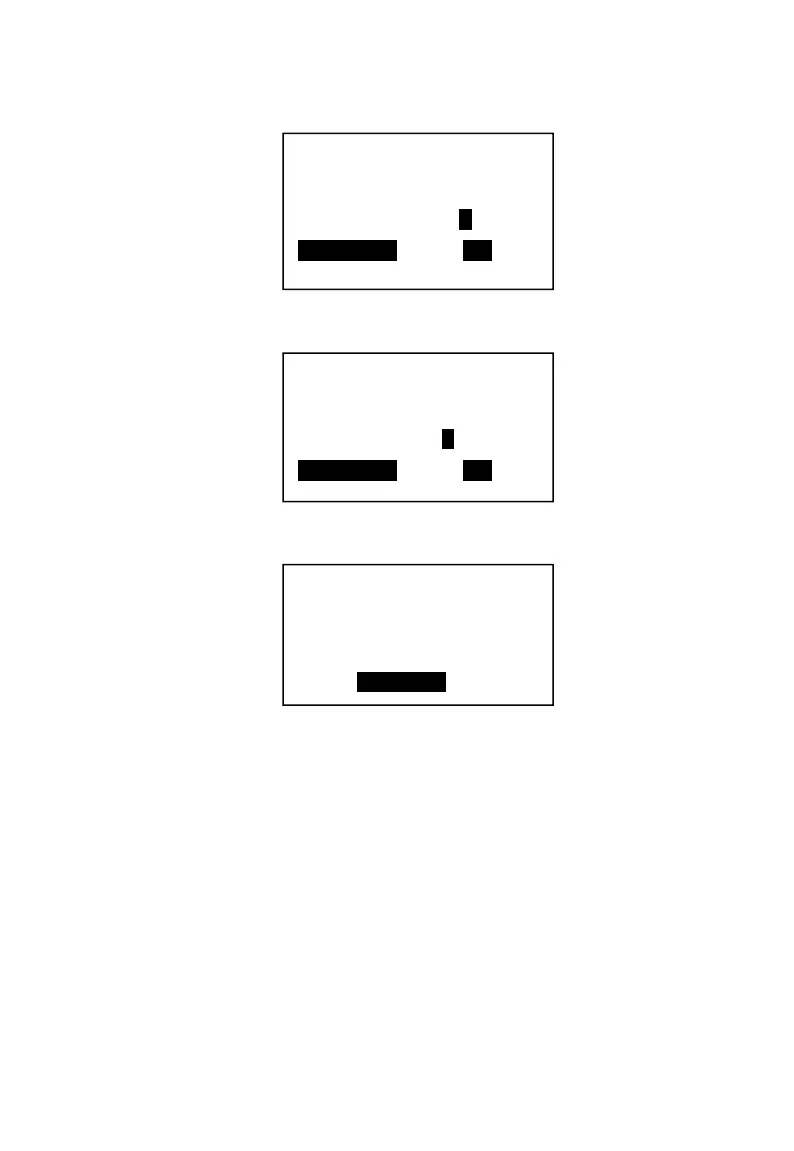
2. Press【SBT】to choose “Y” →【→】.
3. Press【→】, and press【SBT】to choose “Y”.
4. Press【→】until get to the last option. Press【CASH】to return.
5. Input the stock to finish this PLU setting.
5.7.2 PLU with Add-on tax
Example: Setup the PLU code is 1003, name “beer”, price 100, link to VAT1.
Operations should be,
1. Do the same operation as 5.1 PLU setup.
In P mode → Basic Info → PLU Setting →Input the PLU code 1003 → name
“beer” → price 100 → Press【.】to enter in the Flag1.→ Use cursor key to get
the tax option. (Please note this PLU does not controlled by department. So
“Function1 link to dept.should be “NO”)
Tax-on Tax?
Y/N
SBT-Select <– –>
Tax rate1?
Y/N
SBT-Select <– –>
Code: 1002
Flag1: 00008041
Flag2: 00000000
Stock: 0.00



 To Next Page