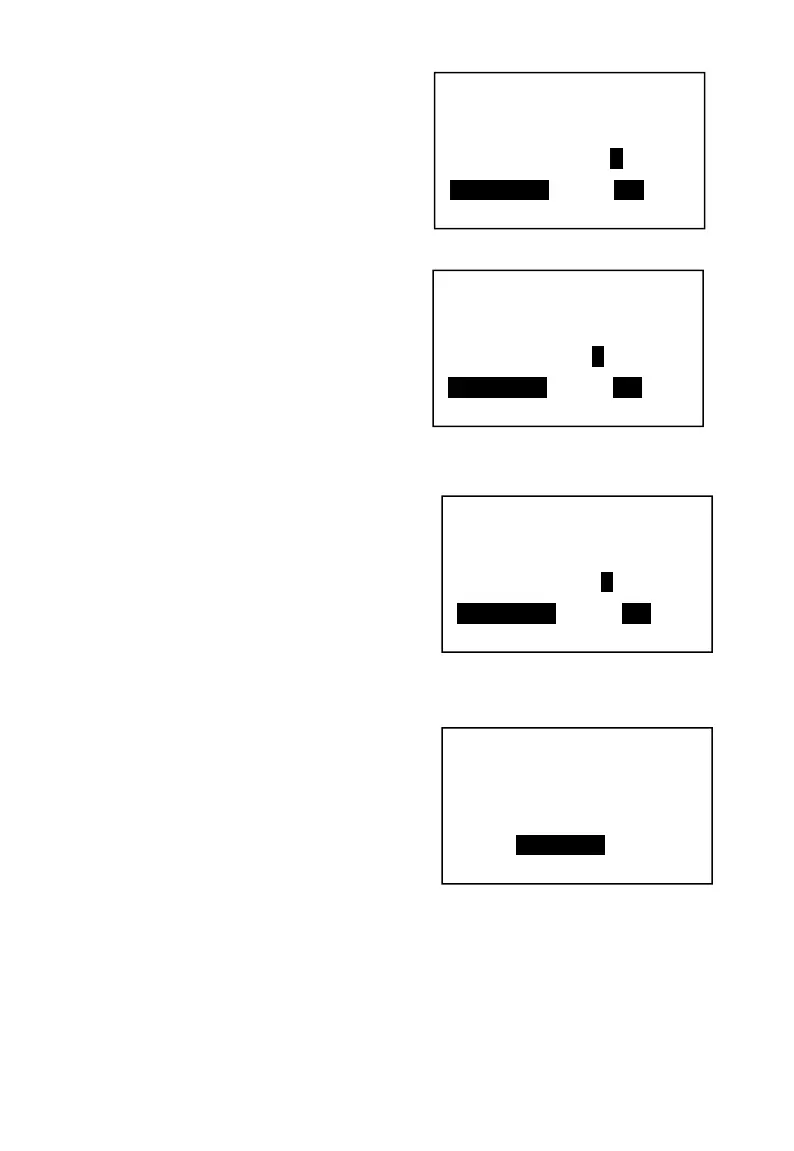
2. Pres【→】, then【SBT】to choose “Y”
3. Press【→】, and press【SBT】to choose “Y”. Let the PLU link to tax1.
4. Press【→】until get to the last option. Press【CASH】to return.
5. Input the stock to finish this PLU setting.
5.7.3 Department with tax.
The same operation as PLU with tax setting.
Tax included?
Y/N
SBT-Select <– –>
Tax-on Tax?
Y/N
SBT-Select <– –>
Tax rate1?
Y/N
SBT-Select <– –>
Code: 1003
Flag1: 00008081
Flag2: 00000000
Stock: 0.00



 To Next Page