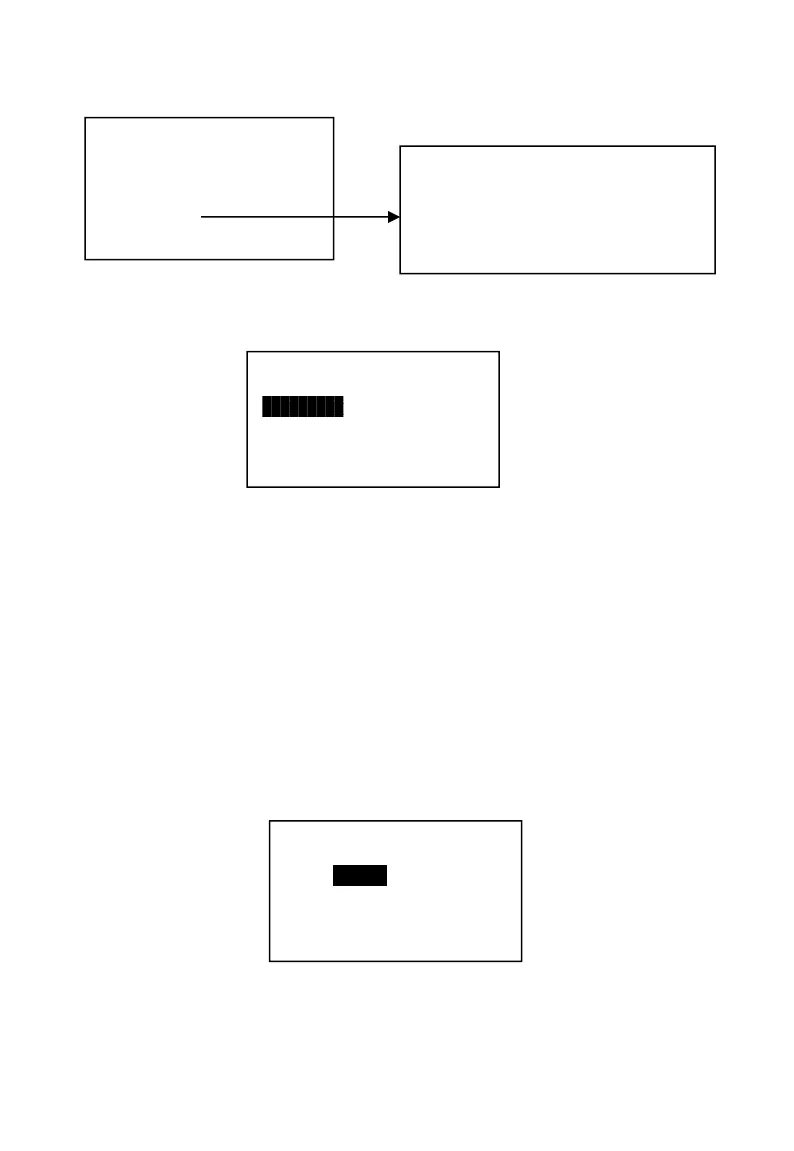
2. Press 【D6】
3. Check the “RA” function code is 33 from the table 4-2. Input “33”--【SBT】
4. Input the No.1 and No.2 functions value are 0001 and 0002. Then press
【SBT】, when finish setting, press【CASH】to return.
4.1.4 Clerk Authority Setup.
Setup the operators name, password, and authority.
Note: The operator password should be any numeric 1-8.
Operations:
1. P mode → System setting → Cashier → 【SBT】.
Name: Dept.
Code: 0001
No. 1: 6
No. 2: 12
No.6 and no.12 means this key has
two function values, the
department6 and department12.


 To Next Page