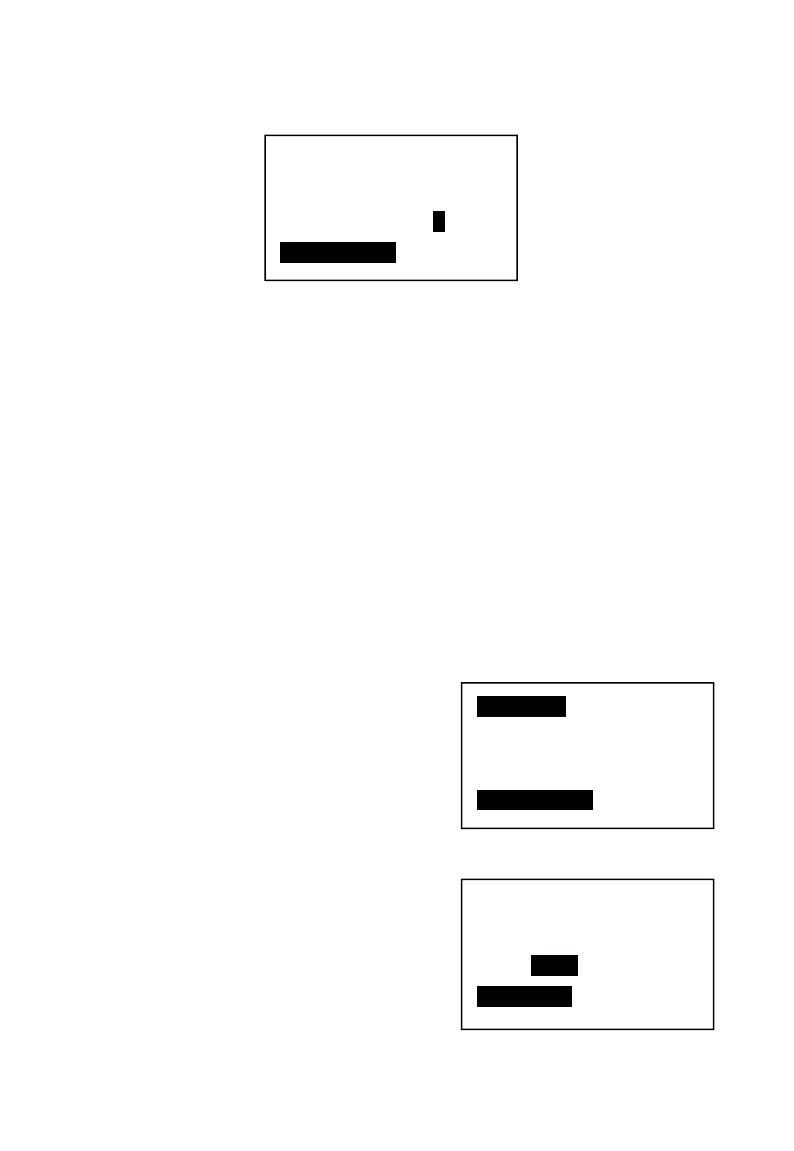
4. Press 【SBT】to enter in.
5. Use the cursor key to choose “No”. Press 【SBT】 to confirm, 【CASH】to
return.
Note: Can set these functions in the P mode System setting → System Param
→ 19.Content
Please check Table 4-1, system parameter setup. No.19, the receipt content
setup.
Setup the receipt consecutive no. in “System parameters” no.05 and 06
setting.
4.3.2.2 Receipt font setup.
Setup the receipt font in P mode System setting → Rect. Font
Example: Setup the receipt as, Goods name line, double height, the settle
information line, double height and double width. Operations should be:
1. Press 【SBT】to enter in the “Rect. Font”
2. Press 【SBT】to setup the goods name.
Print consecutive No.?
Y/N
SBT—Confirm
Name Set
Settlement
Item name
SBT—Confirm
Name Fond:
Normal
SBT—Confirm



 To Next Page