11
EXCEL V OPERATOR MANUAL
D1025, REV H, 10/17
Restarting the System
To restart the system:
1. Turn the keyswitch to the O (OFF) position.
2. WAIT 5 SECONDS before turning the keyswitch to the (START) position. Release the
key. The system will go through its normal start-up sequence.
Turning Off the System
Under normal operating conditions, turn the keyswitch to the O (OFF) position.
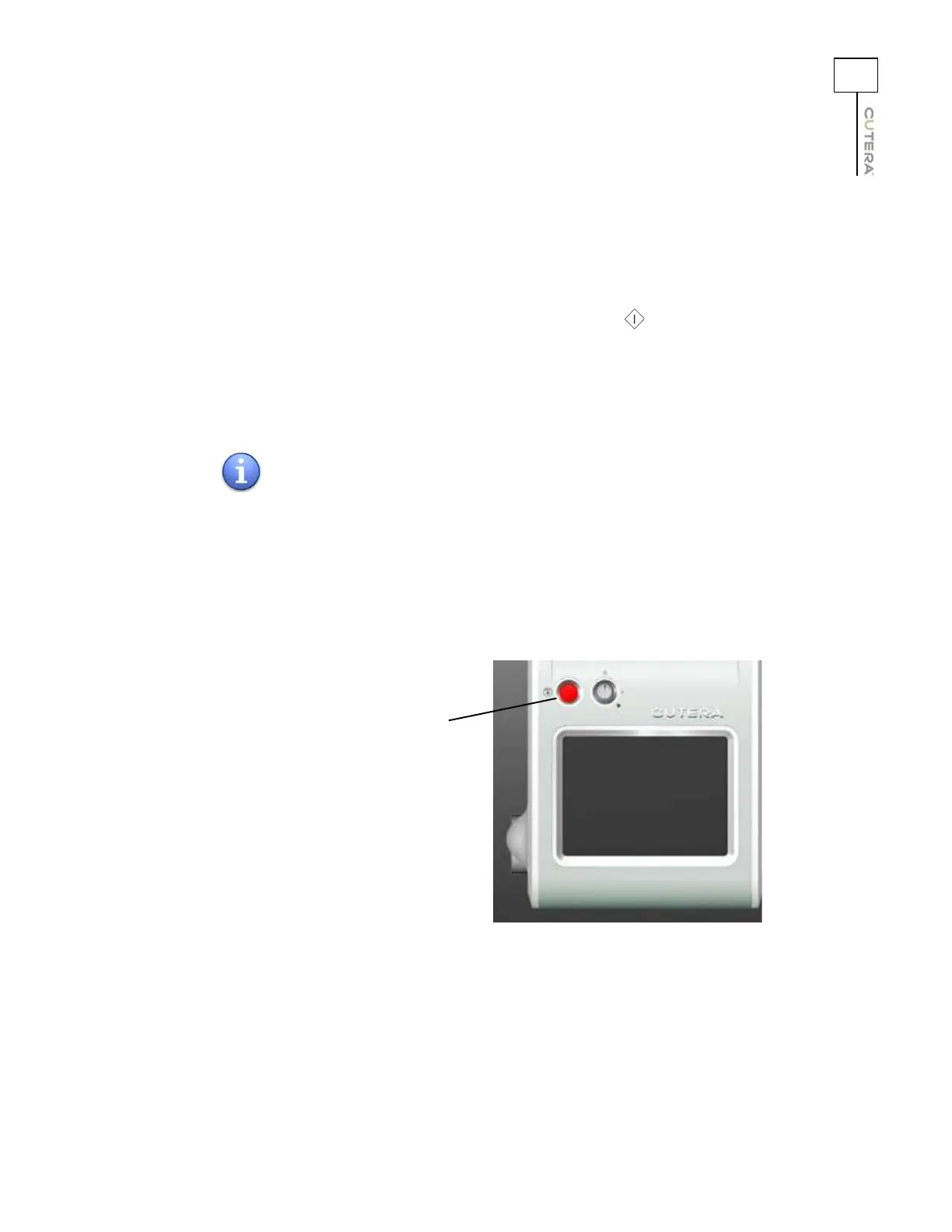
Emergency Off
In an emergency, press the red emergency off button to immediately turn off the system.
NOTE
When the main power cable is connected to the electrical source,
some internal circuits remain energized. To de-energize all the
internal circuits, turn off the main power circuit breaker and
disconnect the electrical service.
Emergency OFF Button



 To Next Page