44
EXCEL V OPERATOR MANUAL
D1025, REV H, 10/17
Genesis V Handpiece Instructions
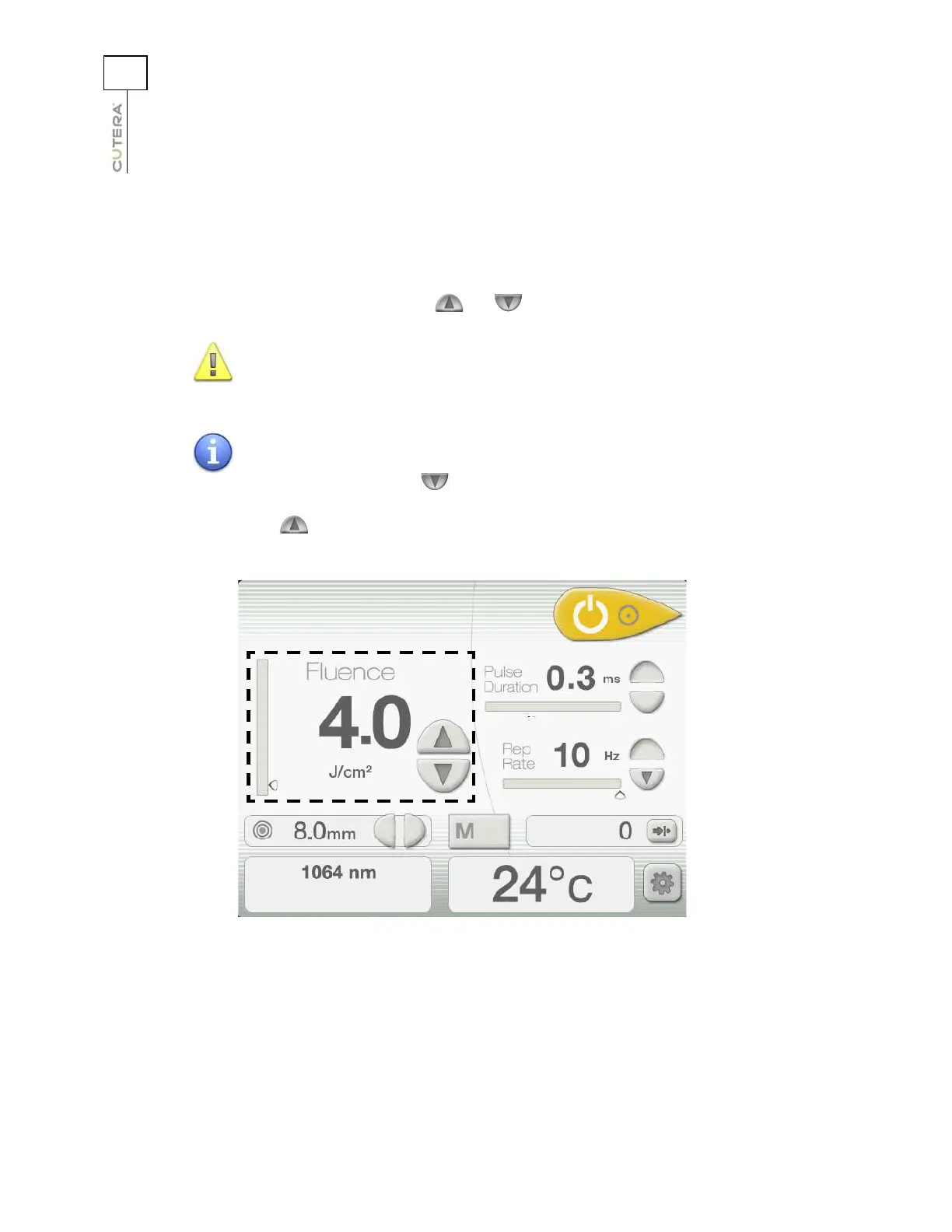
Selecting the Fluence
Fluence is defined as energy per unit area and is measured in joules per square centimeter (J/cm
2
).
Select the desired fluence by pressing the and buttons next to the Fluence display.
CAUTION
The fluence shown in the Fluence display indicates the fluence
delivered to the tissue.
NOTE
When you reach the minimum fluence setting for the current
treatment parameters, the button is disabled; when you reach
the maximum fluence setting for the current treatment parameters,
the button is disabled.
Location of Fluence Controls and Display on
Genesis V Treatment Screen



 To Next Page