17
EXCEL V OPERATOR MANUAL
D1025, REV H, 10/17
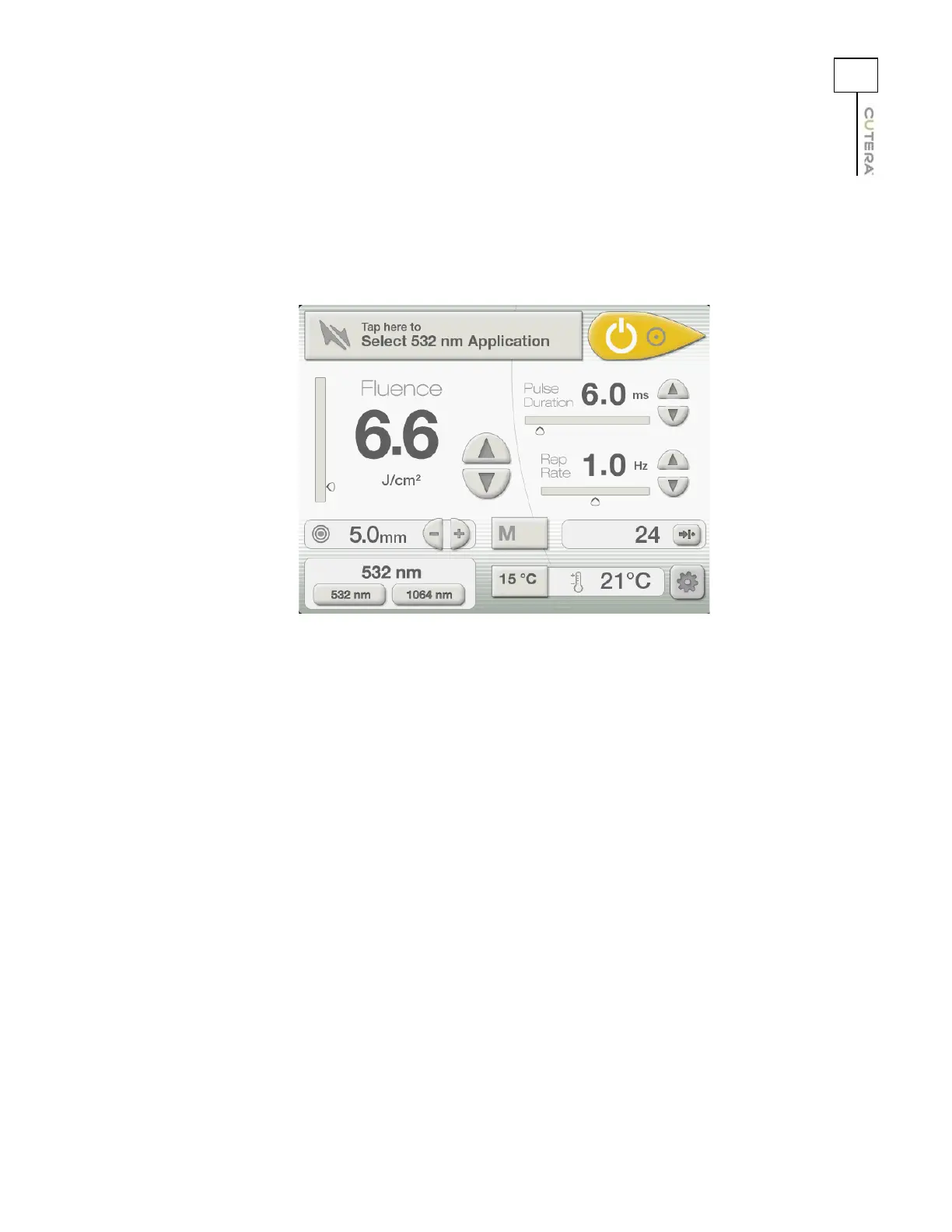
CoolView Treatment Screen
After pressing the “Tap here to Set Parameters” button on the CoolView Select Screen, the CoolView
Treatment Screen displays:
After pressing the “Tap here to Select 532nm Application” or “Tap here to Select 1064nm Application”
button on the CoolView Select Screen, the CoolView Treatment Screen displays with the Skin Type
menu open:
CoolView Treatment Screen in Expert Mode



 To Next Page