42
EXCEL V OPERATOR MANUAL
D1025, REV H, 10/17
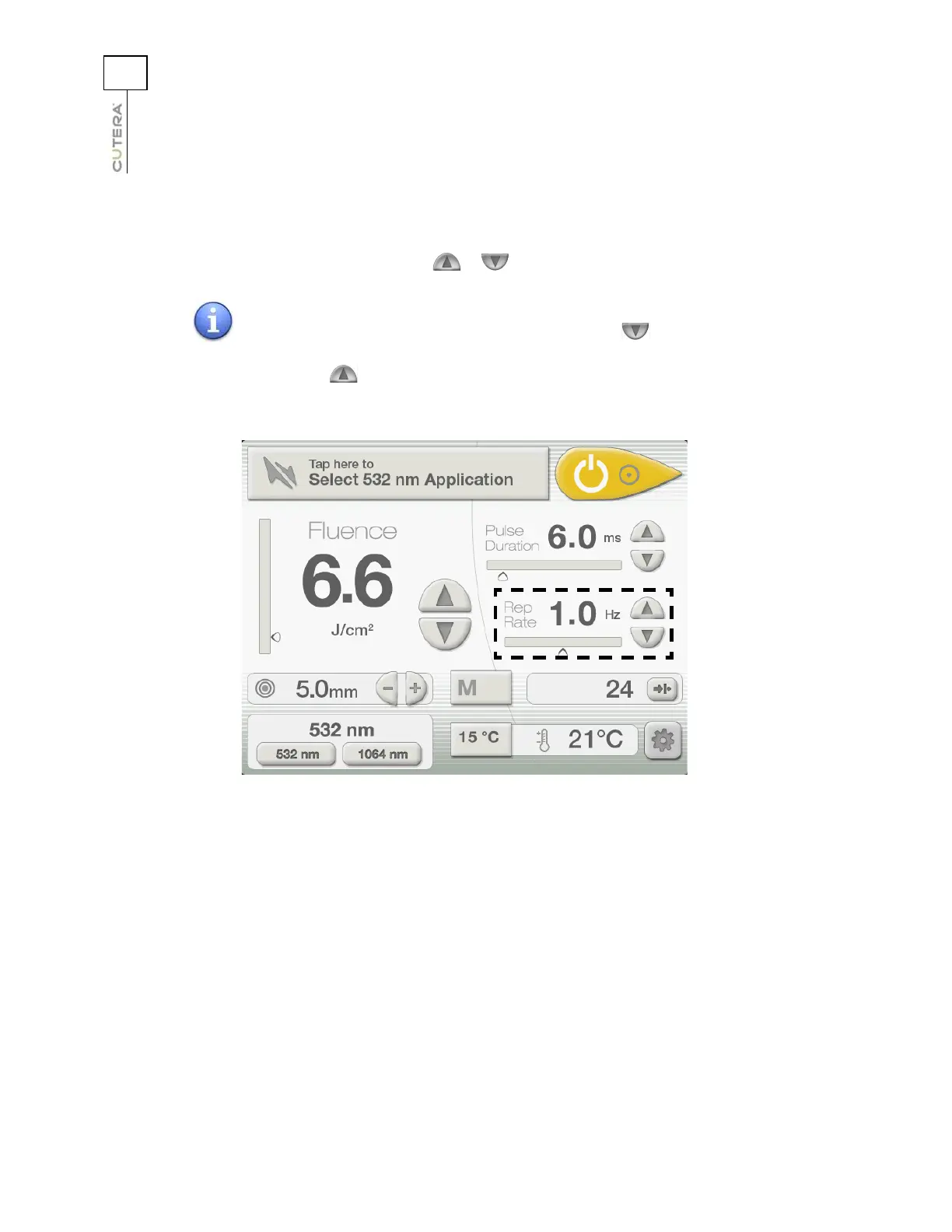
Selecting the Repetition Rate
Repetition rate refers to the number of laser pulses delivered per second, measured in hertz (Hz). Select
the desired repetition rate by pressing the or button next to the Rep Rate display.
NOTE
When the repetition rate is set to the minimum setting, the
button is disabled. When the repetition rate is set to the maximum
setting, the button is disabled.
Location of Repetition Rate Controls and Display on
CoolView Treatment Screen



 To Next Page