20
EXCEL V OPERATOR MANUAL
D1025, REV H, 10/17
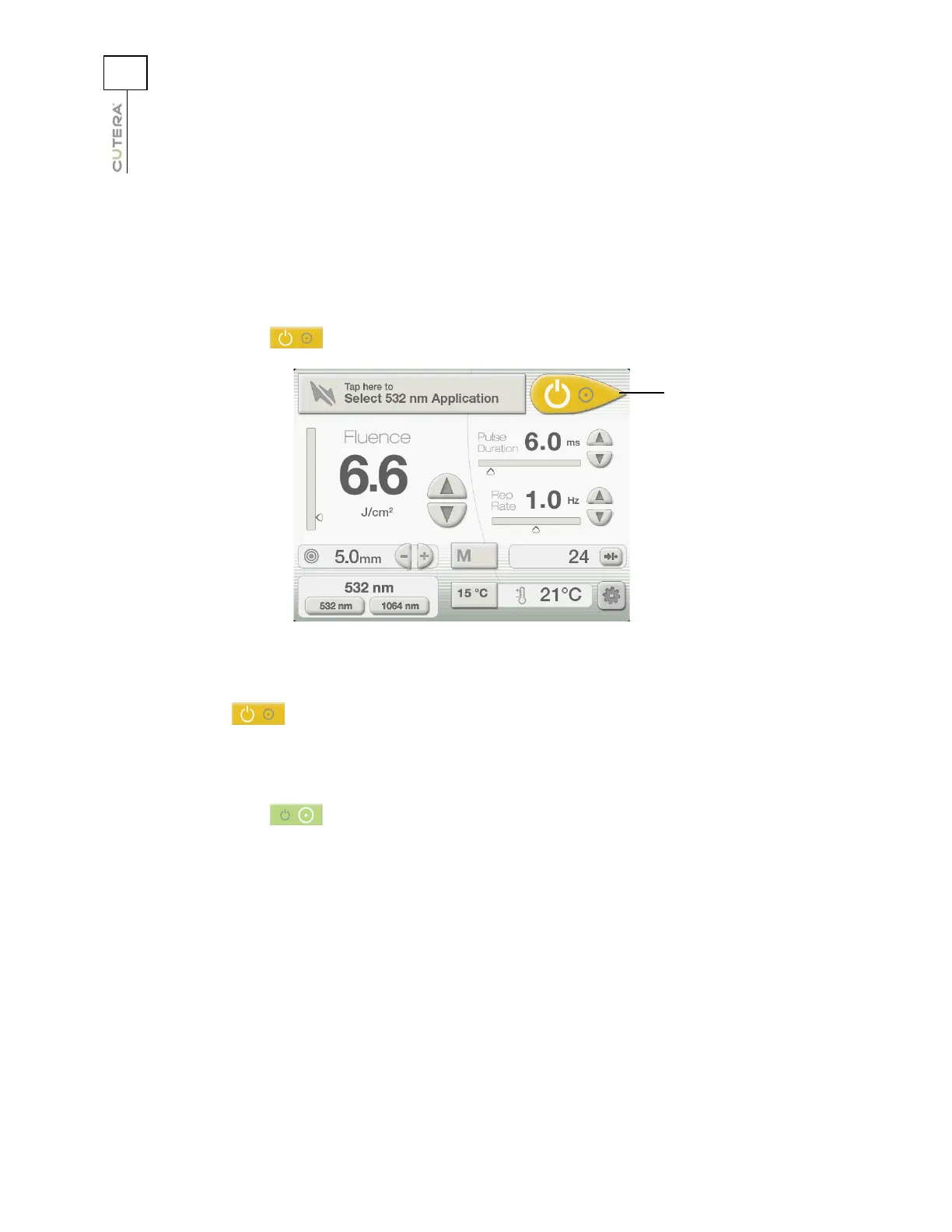
System Status: STANDBY and READY Modes
The system automatically goes into STANDBY mode at system start-up. In STANDBY mode:
• the footswitch is disabled
• the internal safety shutter is closed
• no treatment or aiming beams are available
• the (laser status) button is amber
Press the (laser status) button to toggle to READY mode. In READY mode:
• the footswitch is enabled
• the safety shutter is open
• the treatment and aiming beams are available
• the (laser status) button is green
Location of Laser Status Button
(CoolView Treatment Screen shown)
Laser status button
(STANDBY mode)



 To Next Page