16
EXCEL V OPERATOR MANUAL
D1025, REV H, 10/17
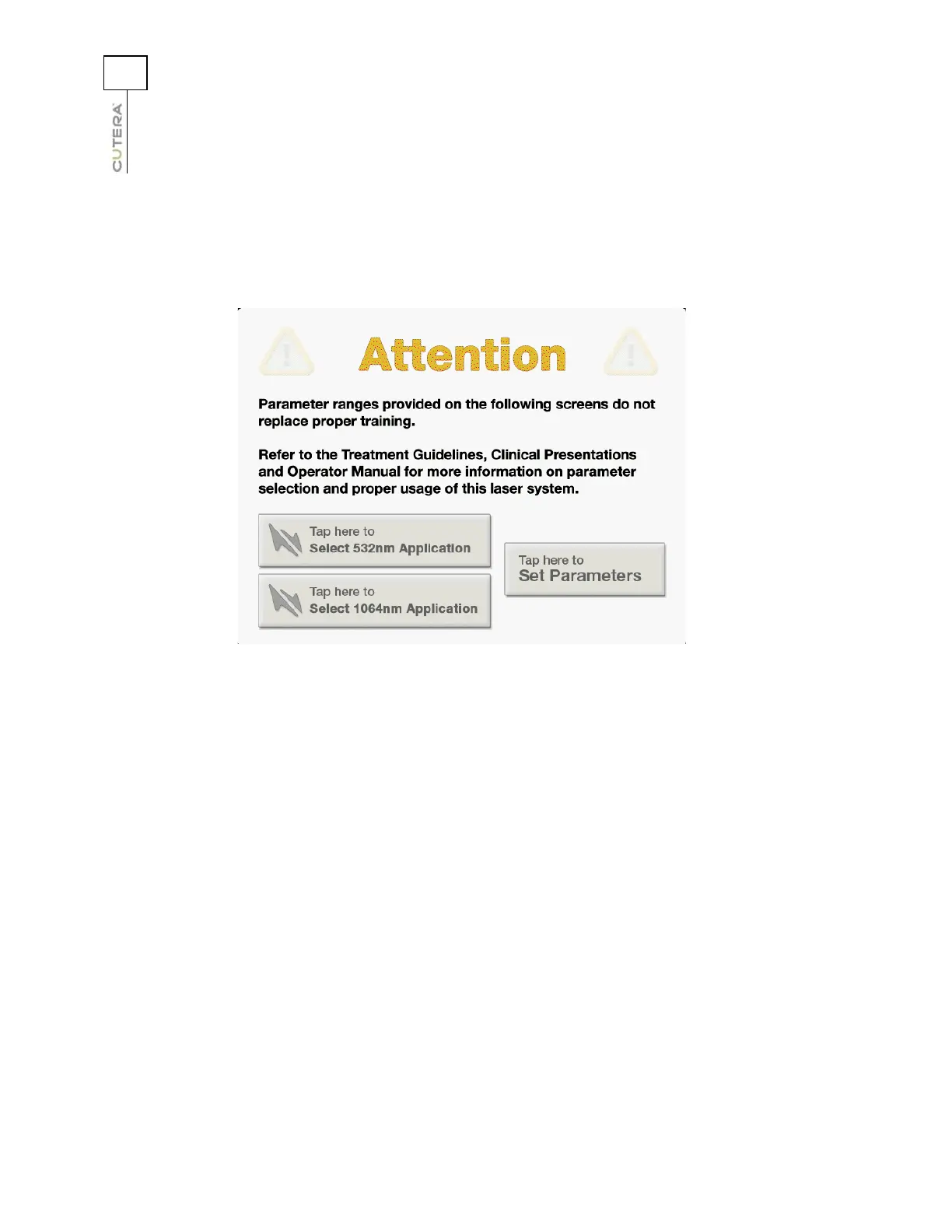
CoolView Select Screen
When the CoolView handpiece is connected to the console fiber receptacle, the CoolView Select Screen
displays after the successful completion of the self-test routine at system start-up.
To operate in navigation mode, press the “Tap here to Select 532nm Application” or “Tap here to Select
1064nm Application” button. Otherwise, press the “Tap here to Set Parameters” button to operate in
expert mode. Refer to Selecting Treatment Parameters in Navigation Mode or Selecting Treatment
Parameters in Expert Mode later in this chapter for detailed information on selecting treatment
parameters.
CoolView Select Screen



 To Next Page