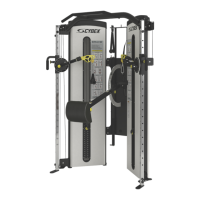
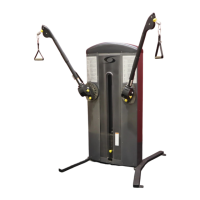
Cybex FT-360S Functional Trainer Owner’s Manual
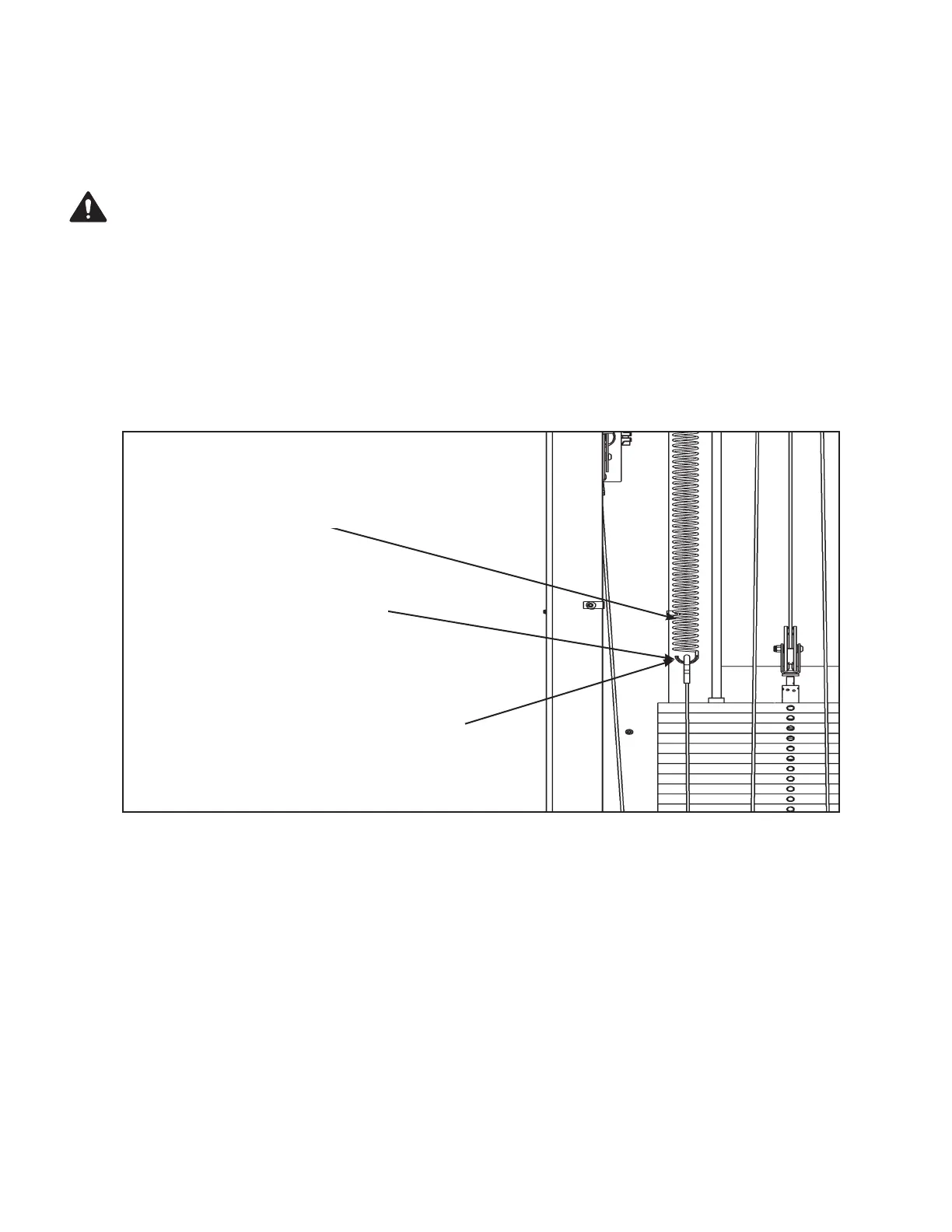
Grasp spring in this area
Stretch spring downward and
slide hook onto cable end
connector
NOTE: Hooks may face either direction
(toward or away from the other spring).
Figure 10
Stretch spring upward with on handC.
With other hand, connect connector to spring (hook).D.
Repeat step 7A - 7D to connect upper end of other spring.E.
WARNING: Use extreme caution when installing the springs. Failure to do so could result
in injury.
8. Reconnect lower end of each spring (refer to steps 8A - 8D and Figure 10).
Firmly grasp lower end of spring.A.
Stretch spring downward with one hand.B.
With your other hand, connect cable end connector to spring (hook).C.
Repeat steps 8A - 8C to connect lower end of other spring.D.
Assembly
Page 6-12
9. Install weight plate decals (see steps 9A - 9E and Figure 11).
Locate the weight stack number decal. A. NOTE: Not all 25 number decals will be used.
Carefully peel the backing off the decal. Align holes in decal with appropriate holes B.
in weight stack. NOTE: Do not allow adhesive to touch weight stack at this time.


 To Next Page