10/100 Fast Ethernet Switch User’s Guide
Using the Console Interface 37
5. Items in UPPERCASE are commands. Moving the selection
to a command and pressing Enter will execute that
command, e.g. SAVE, EXIT, etc.
First Time Connecting To The Switch
The Switch supports user-based security that can allow you to
prevent unauthorized users from accessing the Switch or changing
its settings. This section tells how to log onto the Switch.
Note: The passwords used to access the Switch are
case sensitive; therefore, “S” is not the same as
“s.”
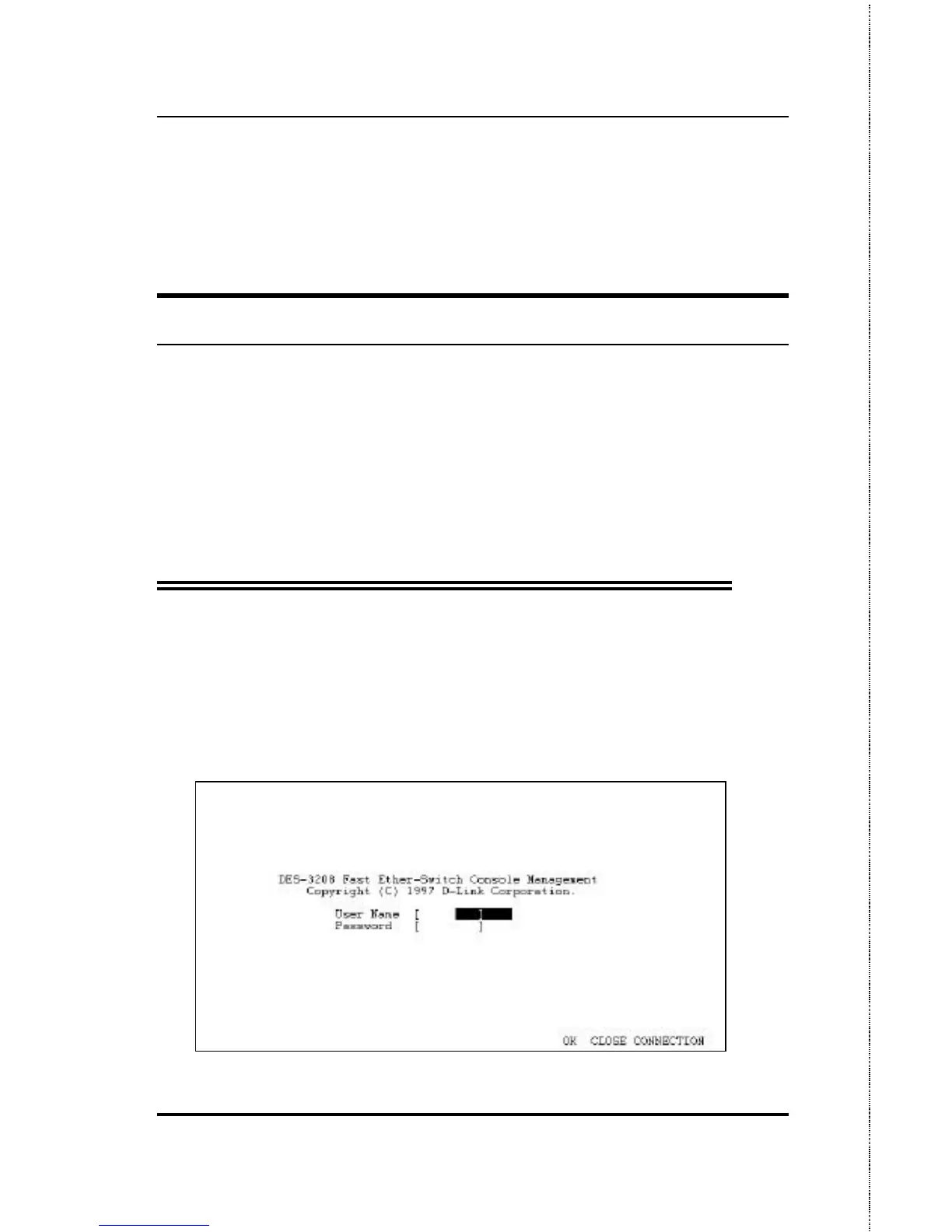
When you first connect to the Switch, you will be presented
with the first login screen (shown below). Press Ctrl+R (hold
down the Ctrl key, press the R key, and release both
keys) to call up the screen, if the first login screen does
not appear. Also Ctrl+R can be used at any time to
refresh the screen.
Figure 6-1. Initial Screen, first time connecting to the Switch













 To Next Page