10/100 Fast Ethernet Switch User’s Guide
Using the Console Interface 41
establishing a Super User, you are now ready to operate the
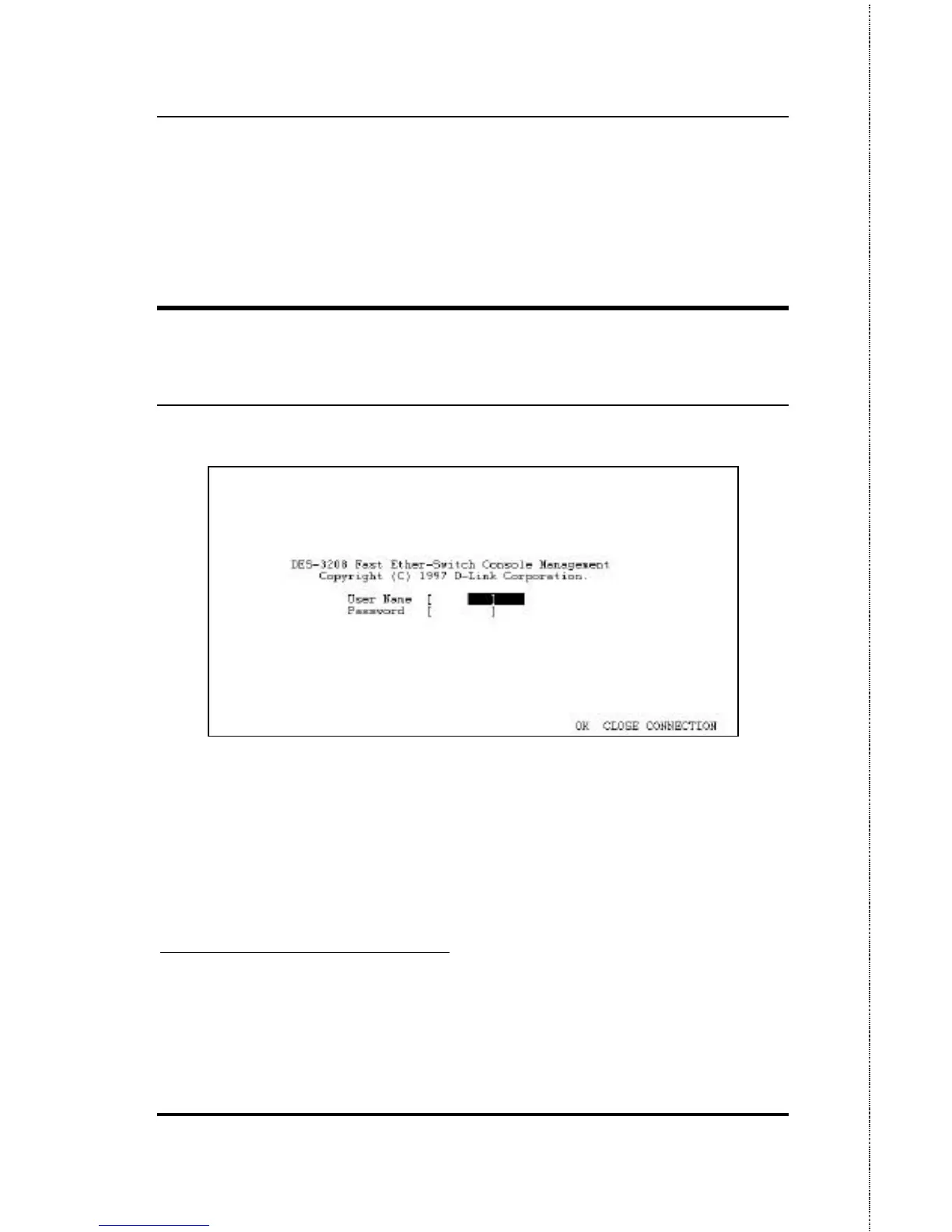
Switch. Now issue a LOGOFF command from the main menu, the
login screen
1
appears as follows.
LOGIN ON THE SWITCH CONSOLE
BY REGISTERED USERS
Figure 6-5. Login Screen
To log in,
1. Type in your user name and press Enter.
2. Type in your password and press Enter.
1
If the Switch is not used within five (5) minutes, the following message appears at
the bottom of the console’s main menu: “Console time out press ENTER to
continue...” At this time, press ENTER and login screen will be displayed.













 To Next Page