19D-Link DIR-514 User Manual
Section 3 - Conguration
Wireless Security Setup Wizard
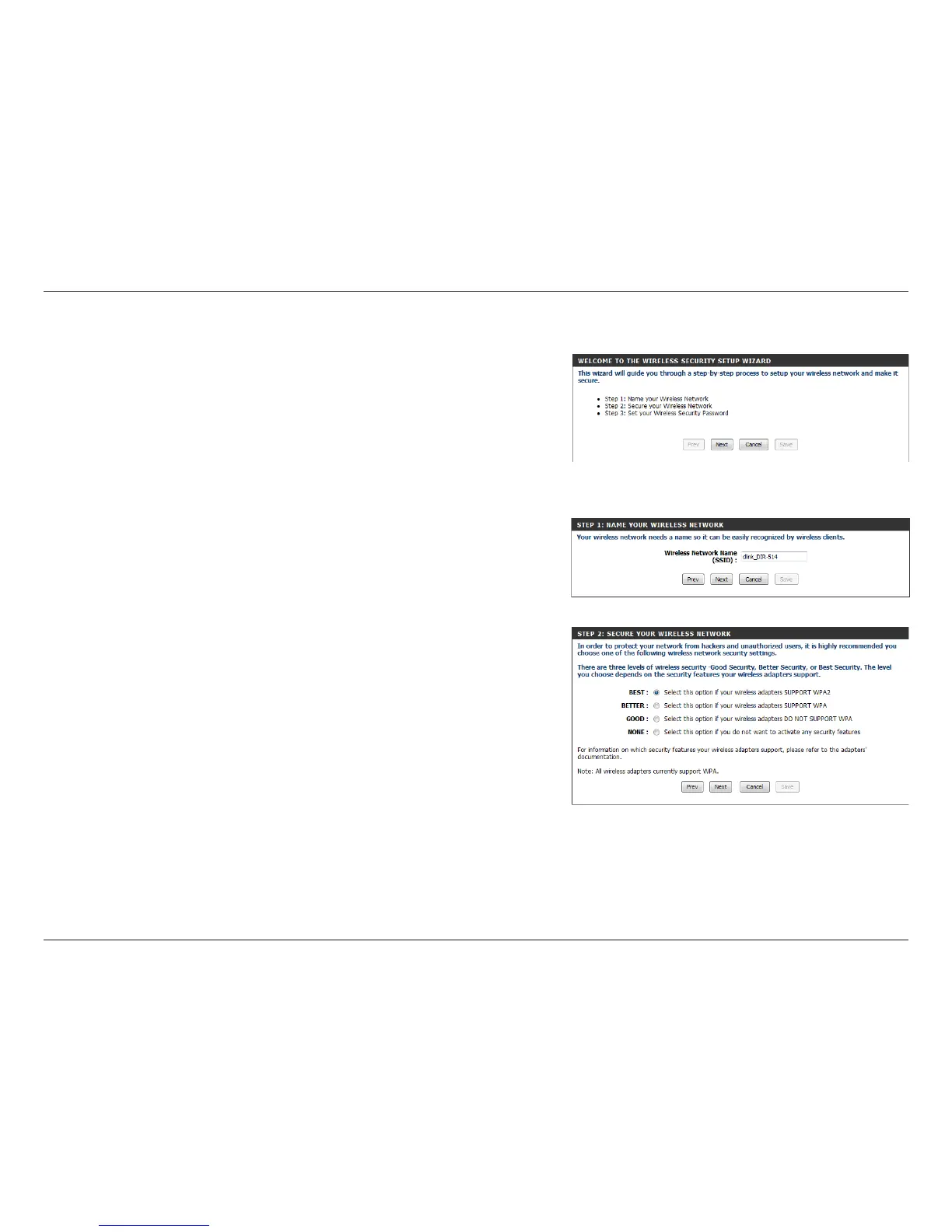
This wizard will guide you through a step-by-step process to congure
your router’s wireless settings.
Click Next to continue.
Note: While using the wizard, you can click Prev to go back to the
previous page or you can click Cancel to close the wizard.
Select a level of wireless security to use, then click Next to continue.
Enter a name (SSID) for your wireless network, then click Next to continue.



 To Next Page