51D-Link DIR-514 User Manual
Section 3 - Conguration
Firmware
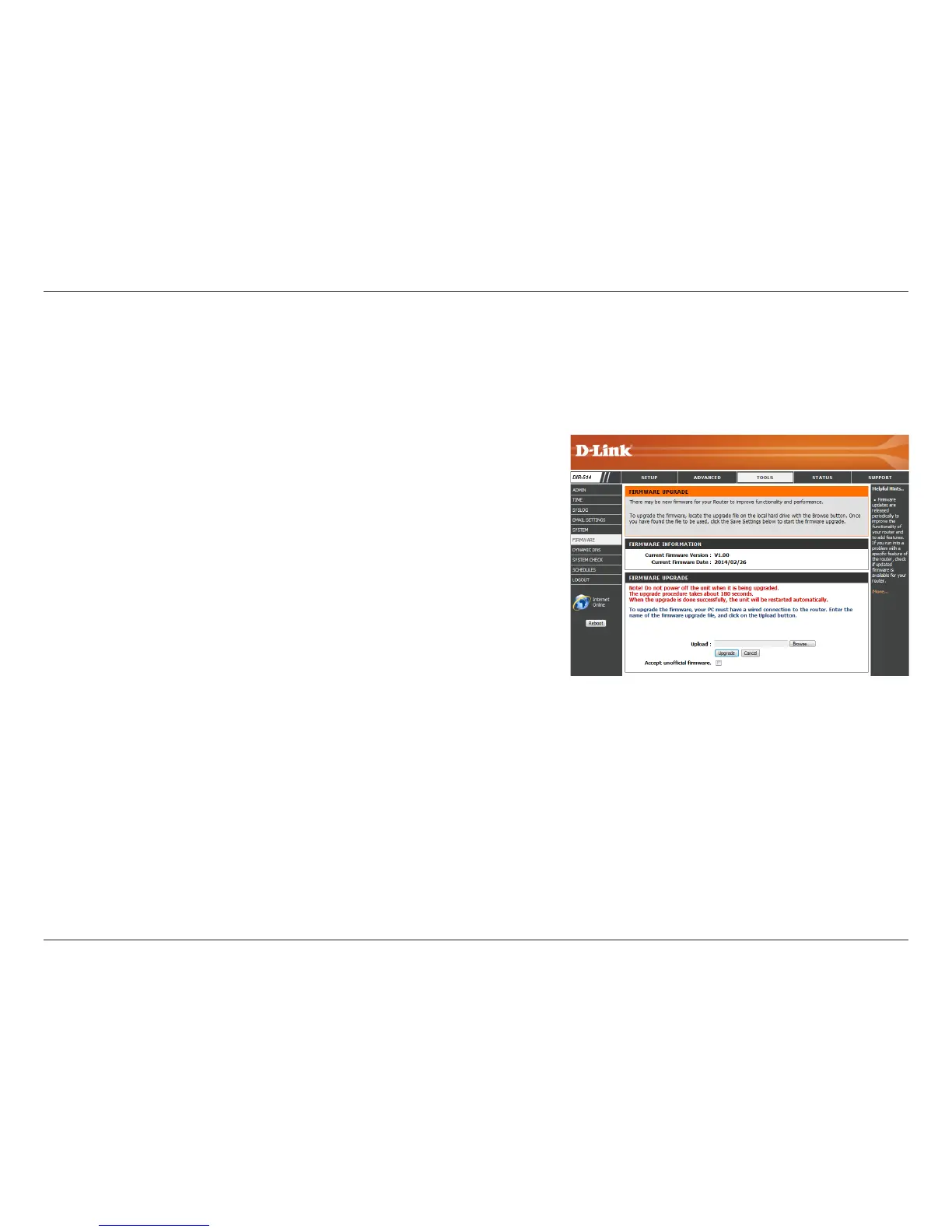
Displays your current rmware’s version.
Displays your current rmware’s release date.
After you have downloaded a new rmware, click Browse to locate
the rmware on your computer, then click Upgrade to start the
rmware upgrade.
Warning: You must use a wired computer to upload the rmware le; do not
use a wireless computer. During the upgrade process, do not power
o your computer or router, and do not refresh the browser window
until the upgrade is complete.
If the rmware you want to install is not an ocial D-Link release,
you will need to check this box.
Warning: Unocial rmware is not supported, and may cause damage to your
device. Use of unocial rmware is at your own risk.
Here, you can upgrade the rmware of your router. Make sure the rmware you want to use is on the local hard drive of the computer and then
click Browse to upload the le. You can check for and download rmware updates from your local D-Link Support site. After modifying any settings,
click Save Settings to save your changes.
Current Firmware
Version:
Current Firmware
Date:
Upload:
Accept Unocial
Firmware:



 To Next Page