53D-Link DIR-514 User Manual
Section 3 - Conguration
System Check
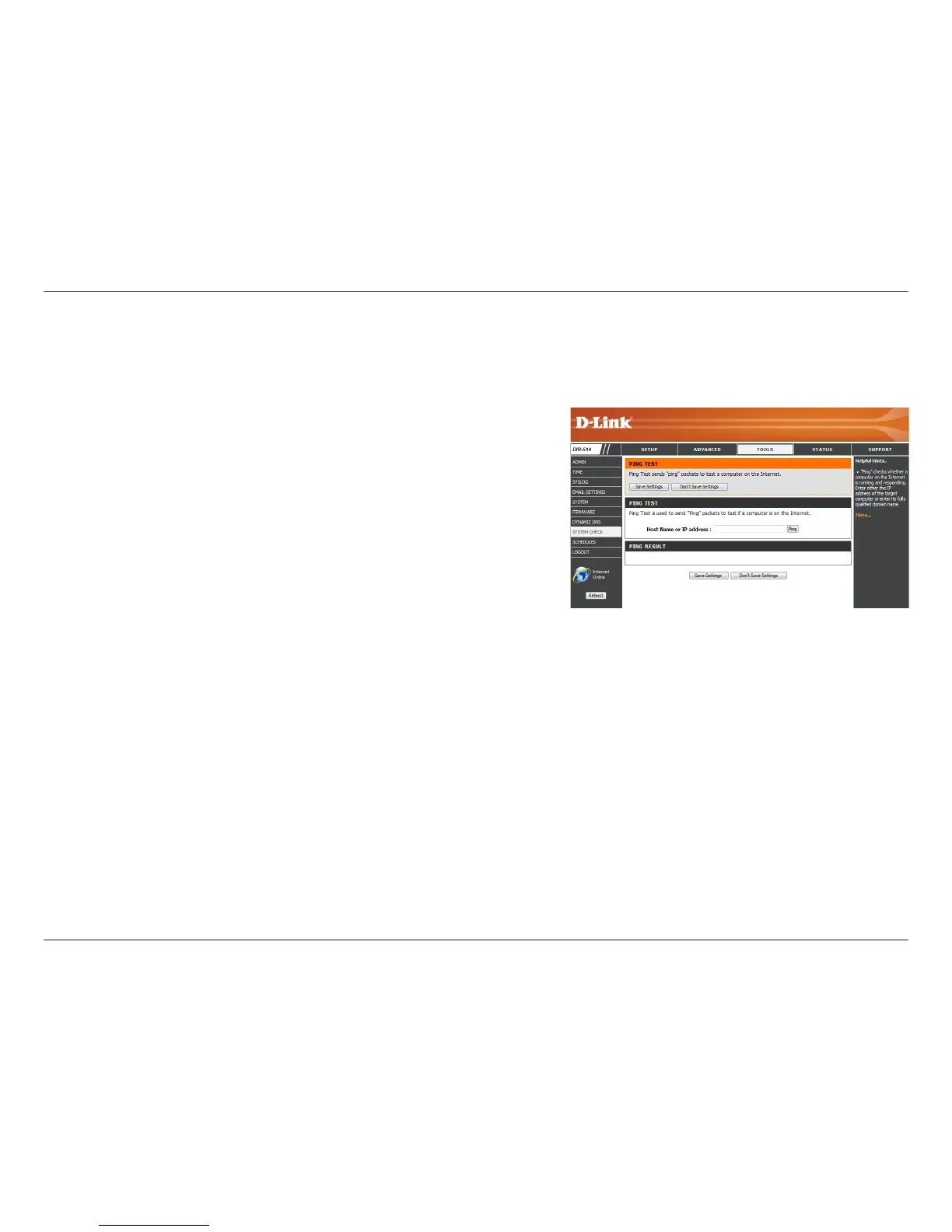
Enter a host name or the IP address that you want to ping
and click the Ping button. The results of the ping attempt
will be displayed in the PING RESULT section below.
This useful diagnostic utility can be used to check if a computer is connected to the network. It sends ping packets and listens for responses from
the specic host. After modifying any settings, click Save Settings to save your changes.
Host Name or IP
Address:



 To Next Page