30D-Link DIR-514 User Manual
Section 3 - Conguration
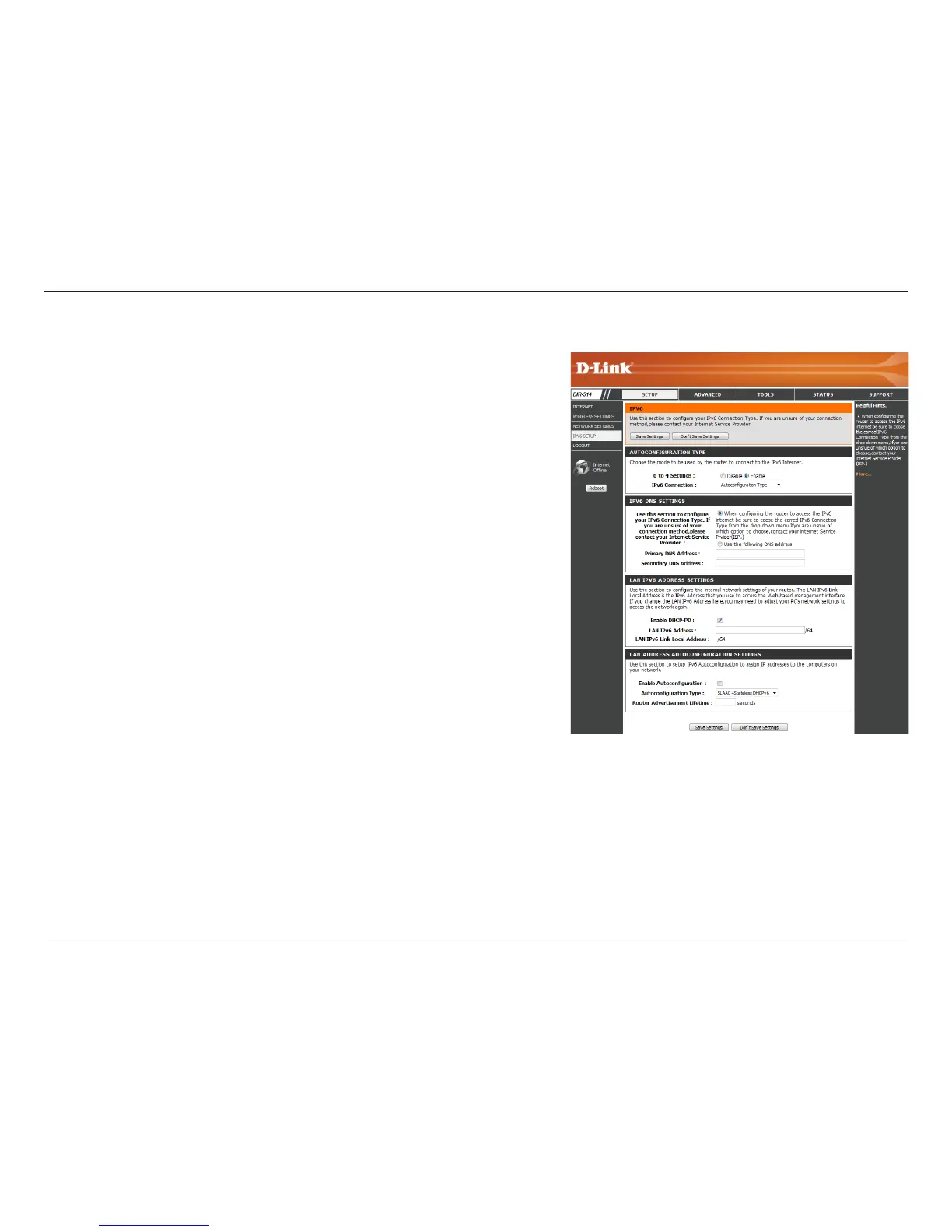
Autoconguration Type
Select either Obtain DNS server address automatically or Use
the following DNS address.
Enter the primary and secondary DNS server addresses.
Check to enable the DHCP-PD feature.
Enter the LAN (local) IPv6 address for the router.
Displays the router’s LAN link-local address.
Check to enable the autoconguration feature.
Select Stateful (DHCPv6), SLAAC + RDNSS, or SLAAC + Stateless
DHCPv6.
Enter the IPv6 address lifetime (in minutes).
DNS Setting:
Primary/
Secondary DNS
Addresses:
Enable DHCP-PD:
LAN IPv6 Address:
LAN IPv6 Link-
Local Address:
Enable
Autoconguration:
Autoconguration
Type:
Router
Advertisement
Lifetime:



 To Next Page